FREE Lecturameter is free forever

Your reading tracker for Android and soon iOS.

Your reading,
letter by letter.

You time your sessions and see how you actually read.

No account. Your data stays on your phone.

  • No ads
  • No subscription
  • Offline
This app is really nice, well organized and has everything a reading app needs. Overall sentiment from Play Store reviews
3h 30mtotal time
136pages read
17.0pages/day
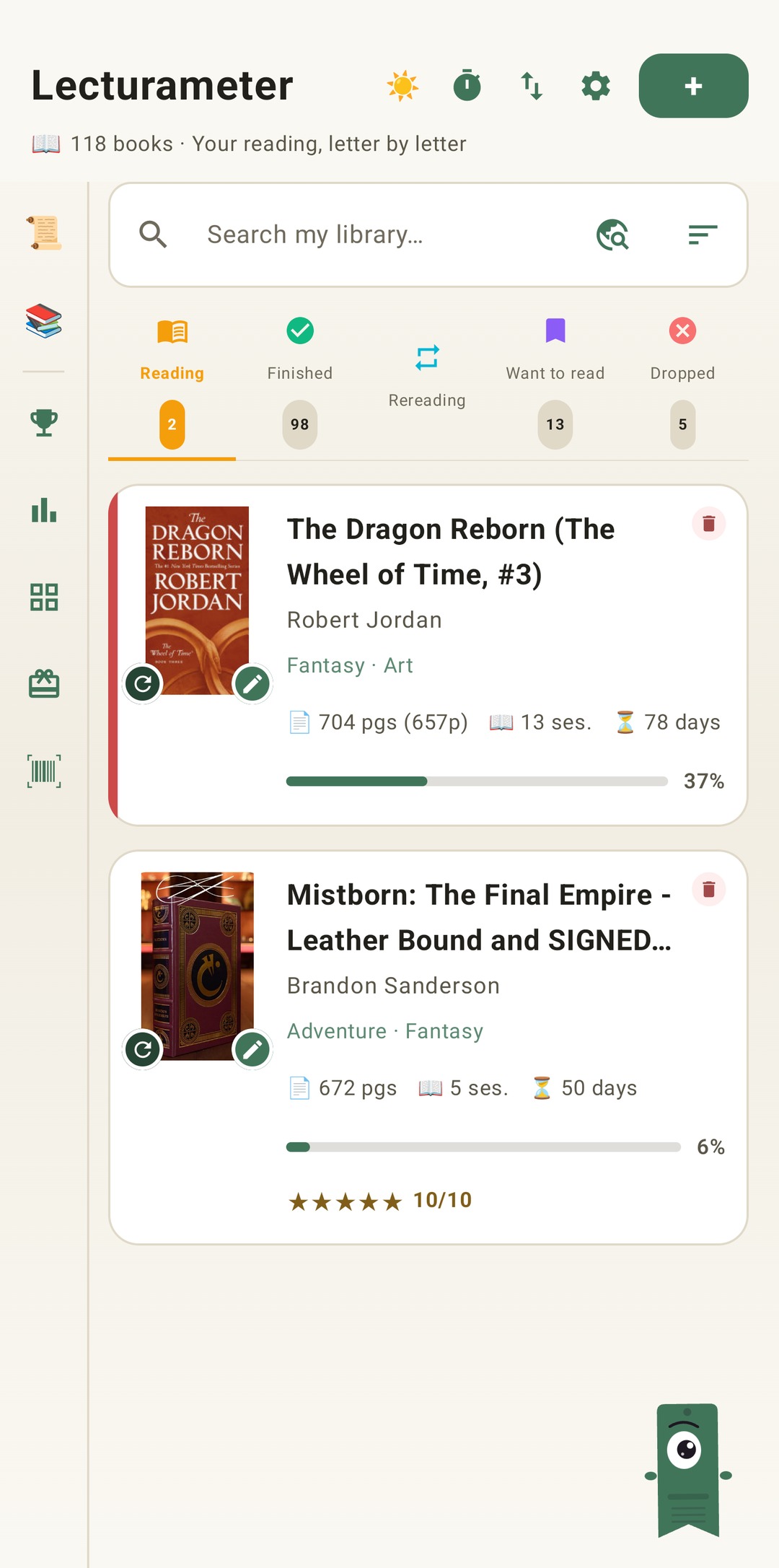
Lecturameter library

This is what Lecturameter tracks for you

Six metrics the app calculates from every session you log. Nothing is made up: if there's no data yet, it doesn't show.

Reading daysHow many days you've been reading this book
Total timeHours and minutes accumulated
Pages readHow much you've read so far
% readHow far into each book
Pages/dayYour real reading pace
Pages/minYour speed with the timer

The timer works beautifully even with the screen off.

Real screenshots. This is the app.

Three pillars: library, timer, and statistics.

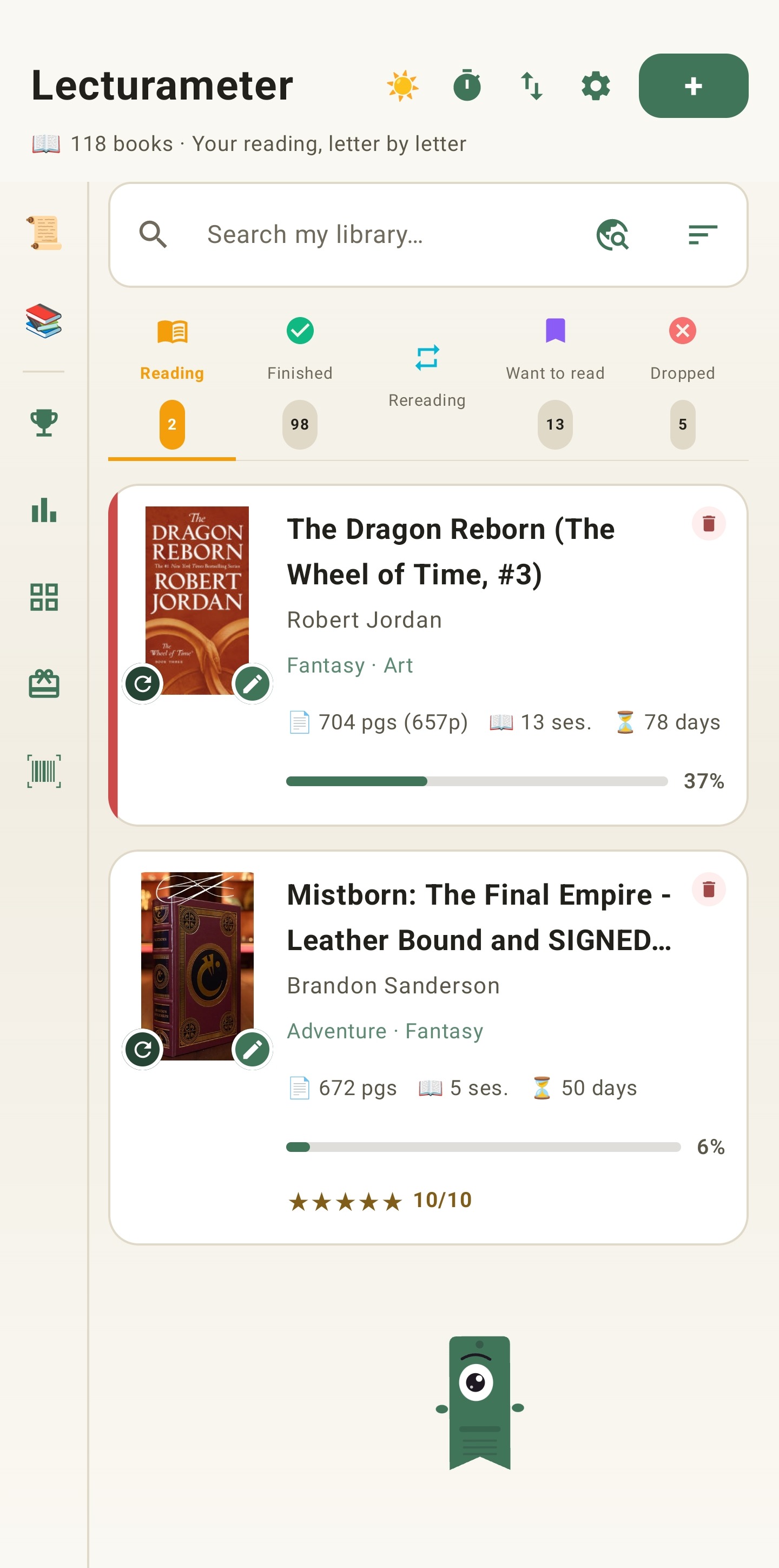
Library with shelves

Your books in your private library.

Five shelves to organize your books by status.

  • Search by title, author or ISBN
  • ISBN scanner
  • Full detail: cover, genres, editions
  • Lecturameter remembers the page you left off on so you don't lose your progress
Automatic CSV import. Coming from Goodreads or StoryGraph? Drop your CSV. The app figures out which one it is and does the rest. Any CSV with similar columns (author, publisher, rating, etc.) also imports.

Pick which book you want to read and in which mode: normal or immersive (PRO).

When you end the session, you know how much you've read and at what pace. If the app closes or crashes, the time isn't lost.

  • Normal mode: timer and collapsible minibar
  • Immersive mode: full-screen cover, no distractions
  • Optional ambient sounds (rain, forest, fireplace…)
  • Control from the notification, with the phone locked
  • Both timers are reachable from the counter button at the top
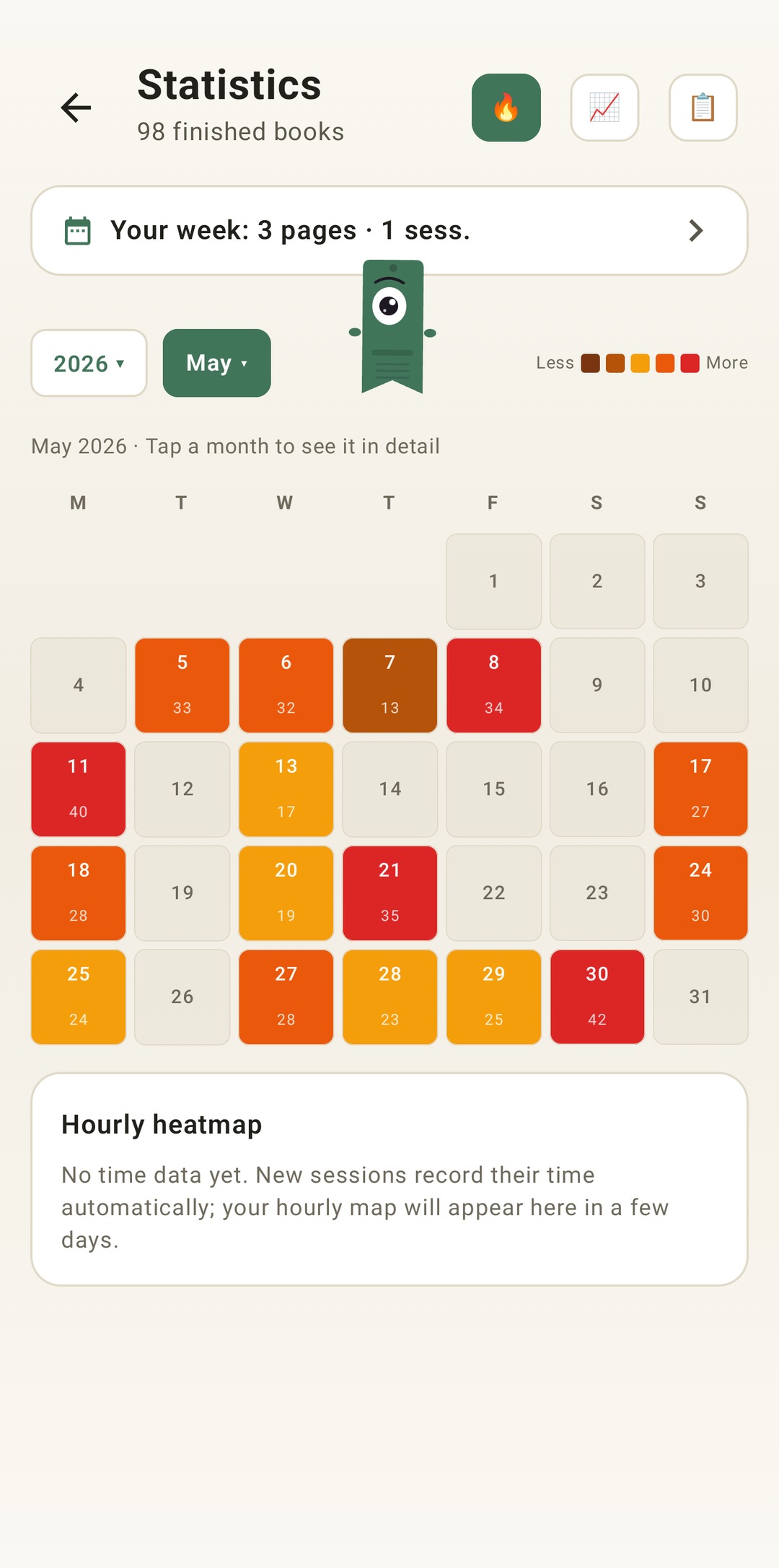
Monthly heatmap

How you read, in detail.

Which month did you read the most? Which day of the month? What time of day do you read most? Lecturameter tells you!

  • Heatmap by hours and by months
  • Month-by-month comparison with charts
  • Yearly wrapped with genres, streaks and authors
  • Complete history of every session with its own stats

Read more about each feature: Reading Timer · Reading Tracker · Reading Statistics · Goodreads Alternative Book Catalog

Know yourself as a reader

Challenges, bingos, widgets and more features to get the most out of your reading. New in 3.7: challenges and bingo widgets.

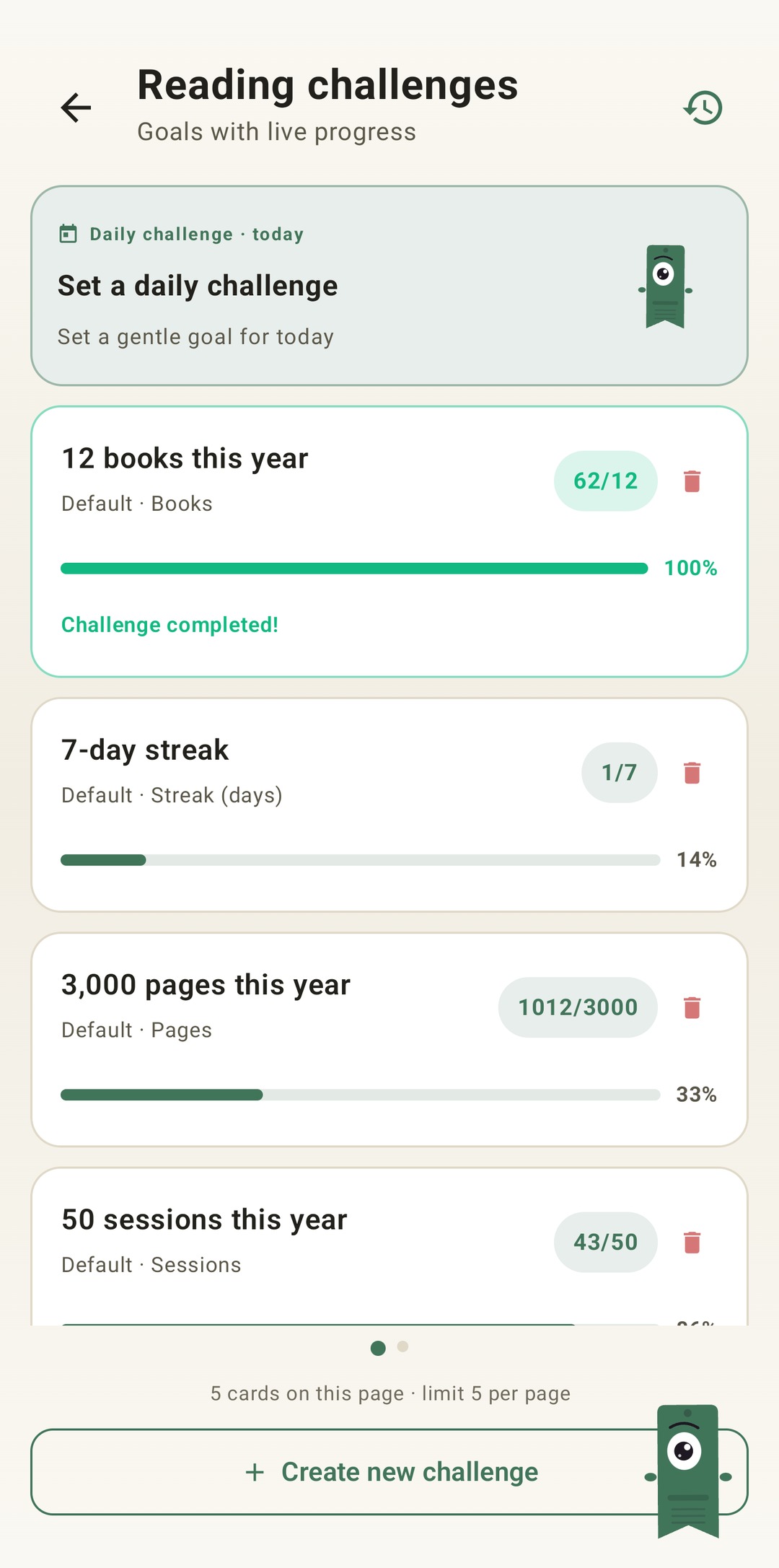
Reading challenges

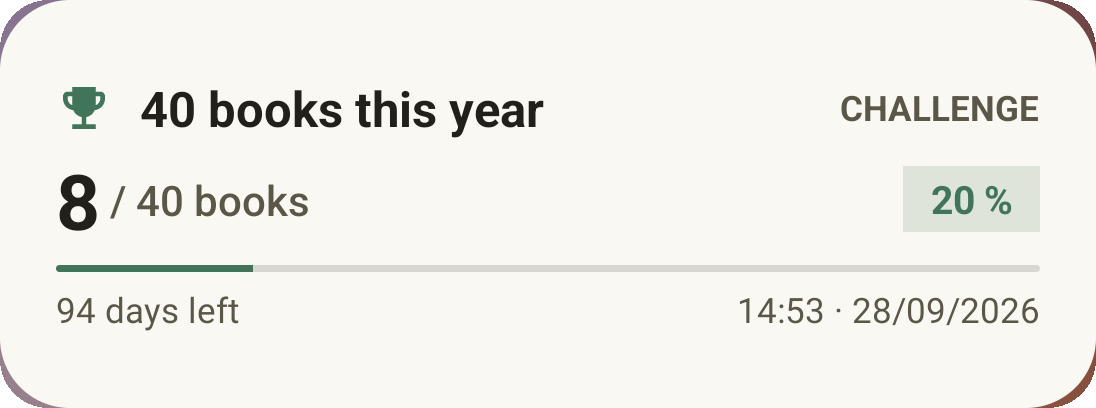
Reading challenges

Set goals by pages, streaks or genres. Up to 15 active challenges free, unlimited with Pro. Plus a customisable daily challenge that doesn't count toward the limit.

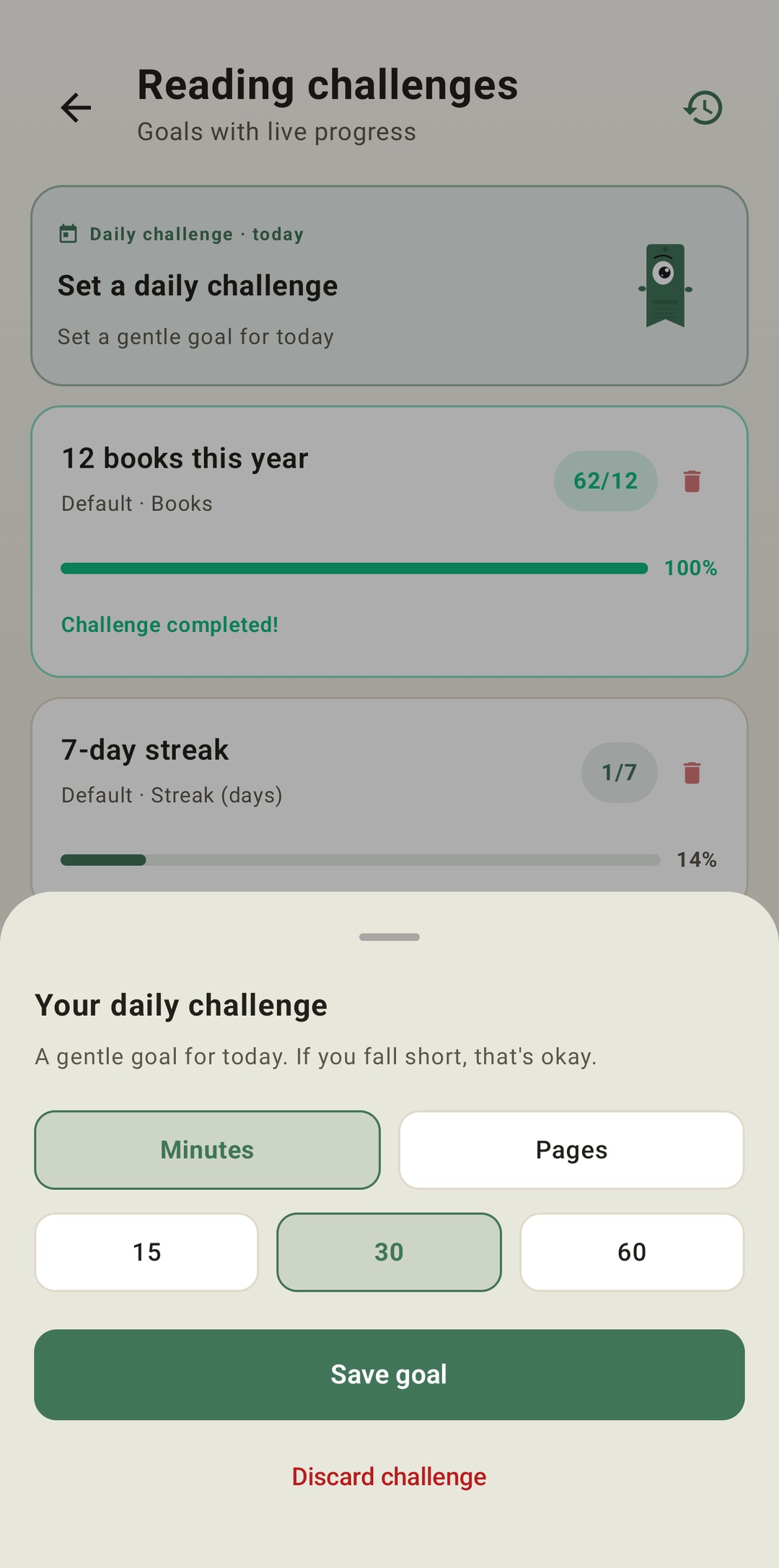
Daily challenge

Daily challenge

A new goal every day. Complete the challenge before midnight to keep your streak going.

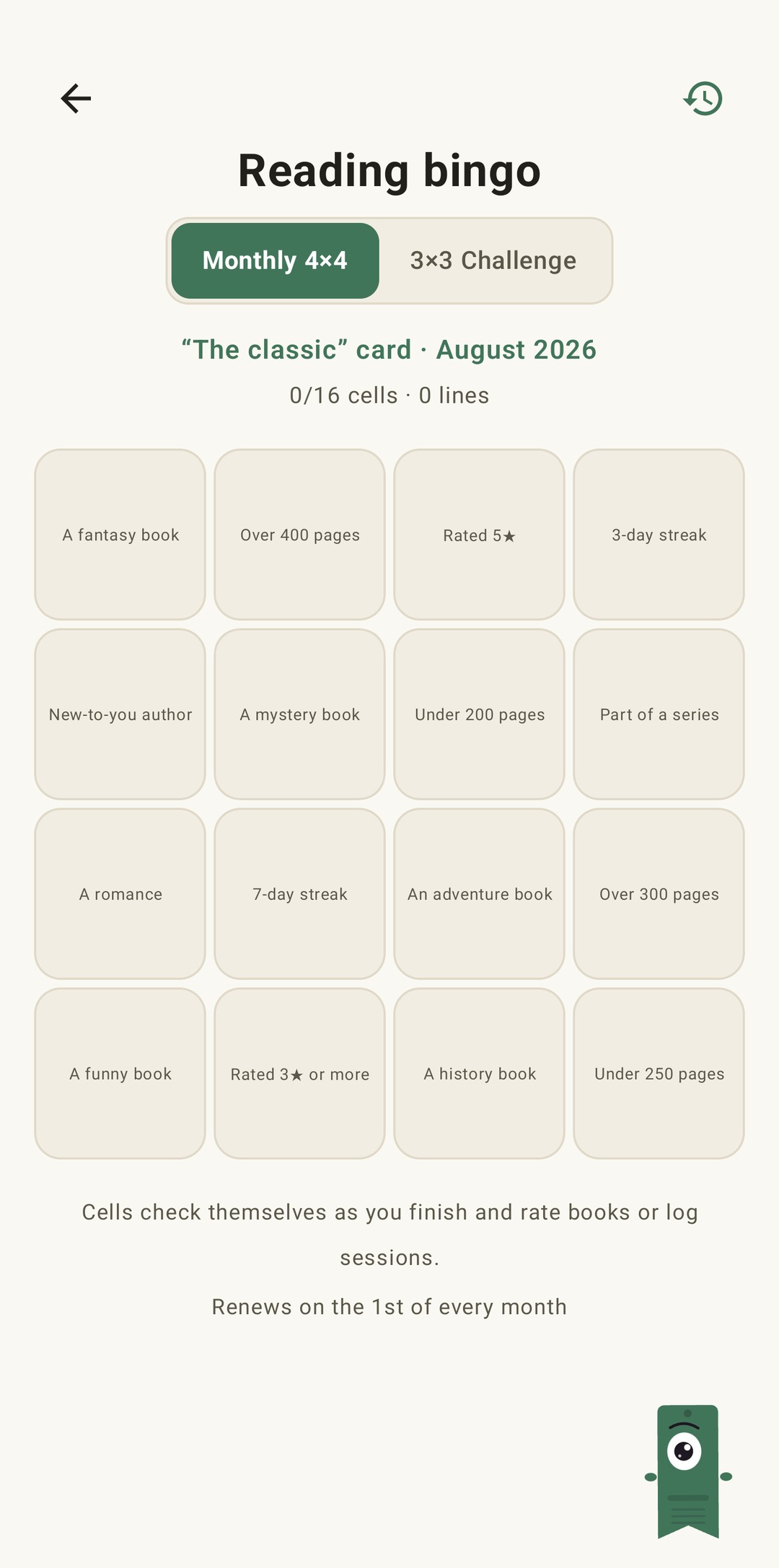
Reading bingo

Reading bingo

Two new bingos every month with themed squares. Complete rows, columns or the full card.

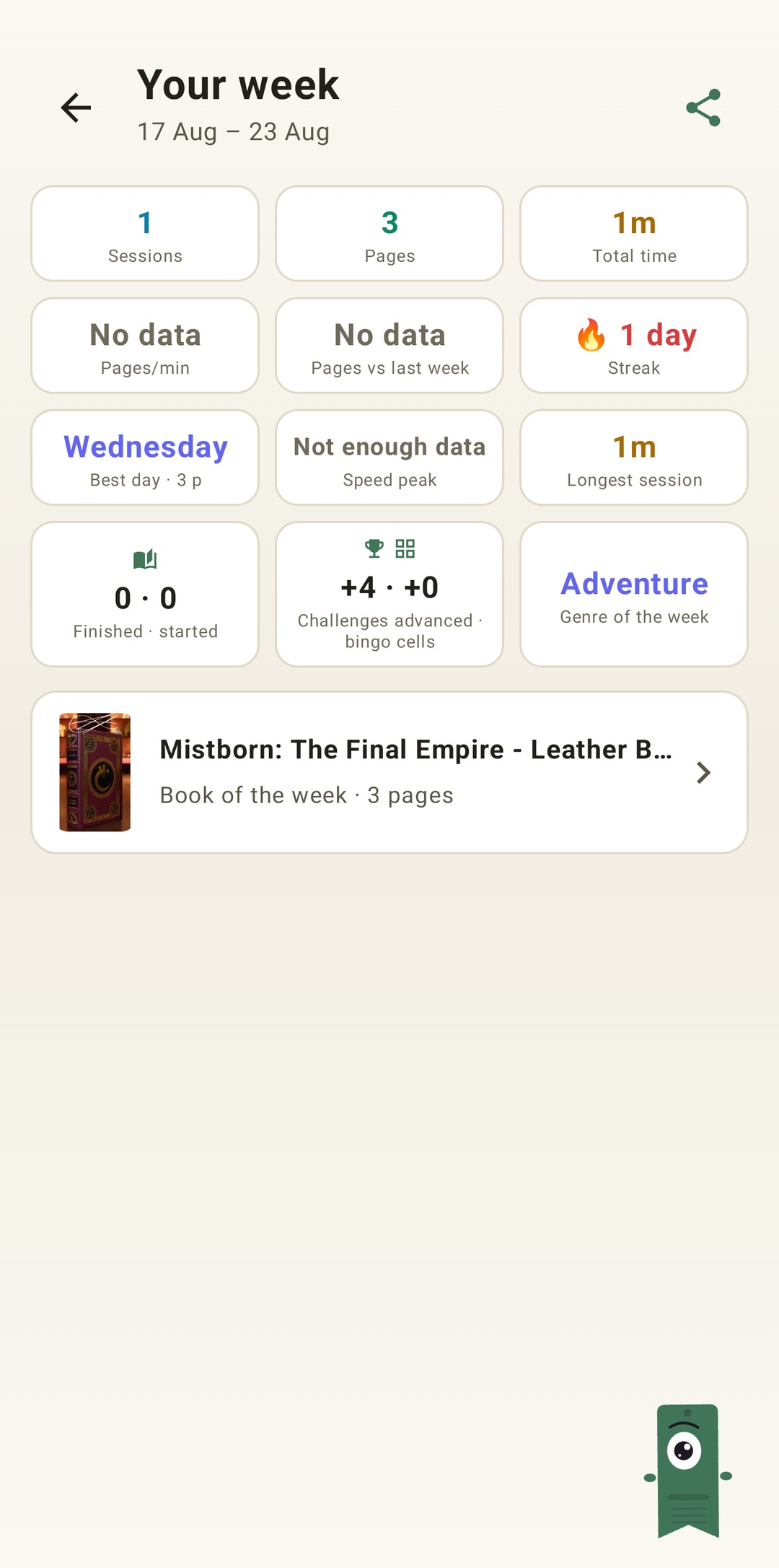
Weekly summary

Weekly summary

Every Monday, a snapshot of your week: pages read, total time, streak and how it compares to the previous one.

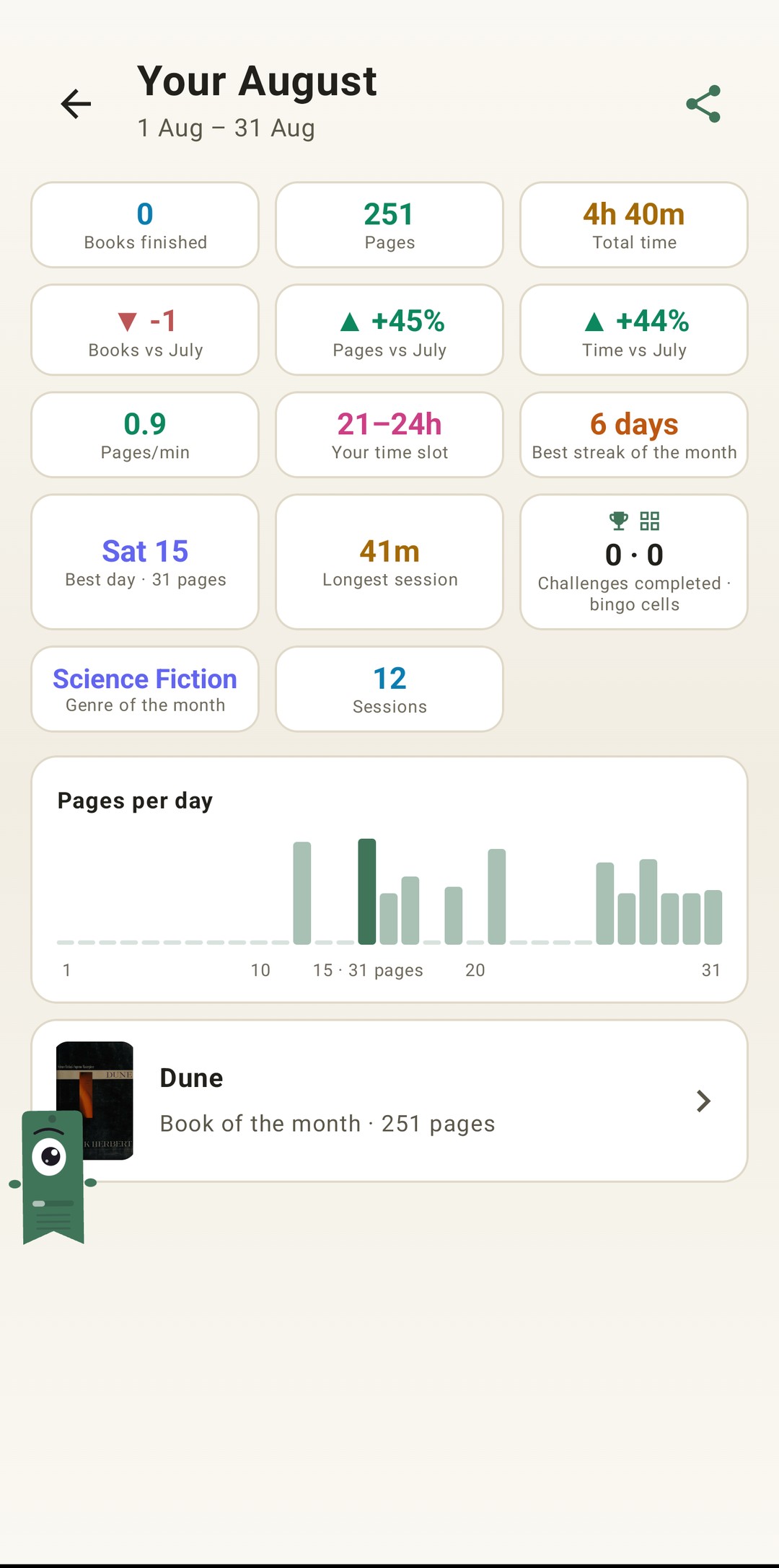
Monthly recap

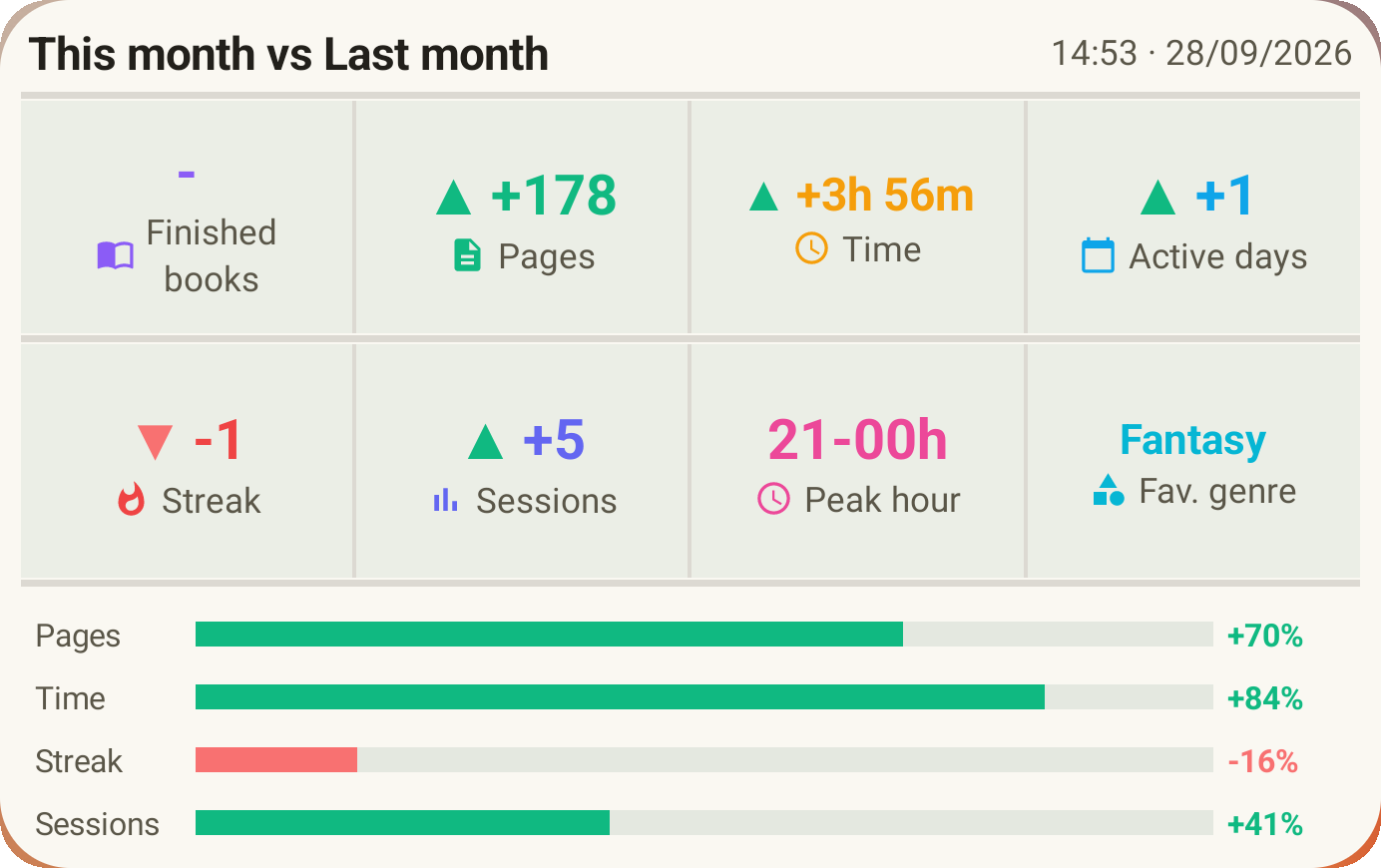
Monthly recap

When a month ends, Lecturameter sums it up: pages, time, books finished, your pace day by day and your book of the month.

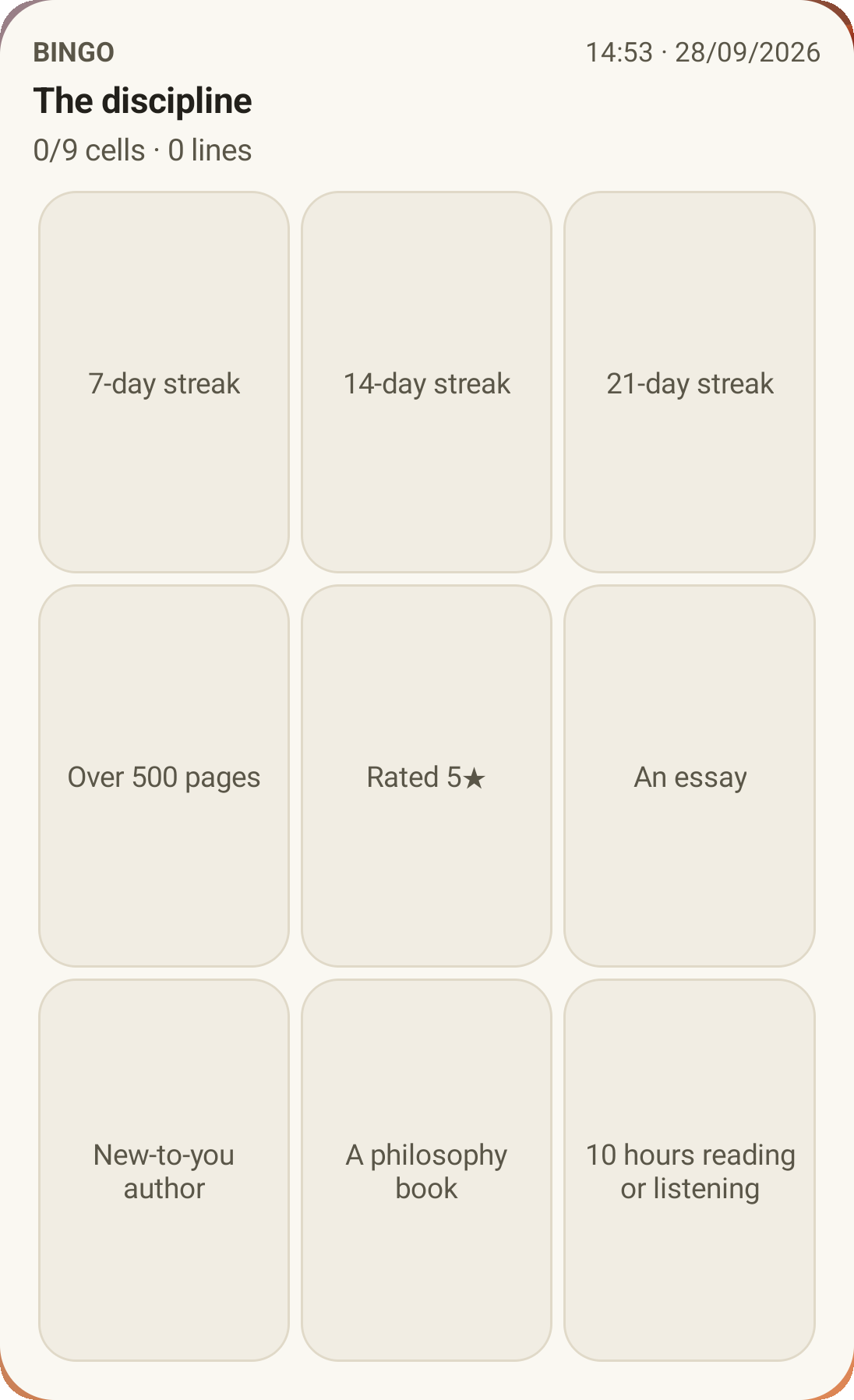
Bingo widget

Bingo widget Pro

This month's bingo card, always in view, with the squares you've completed and the lines you've made.

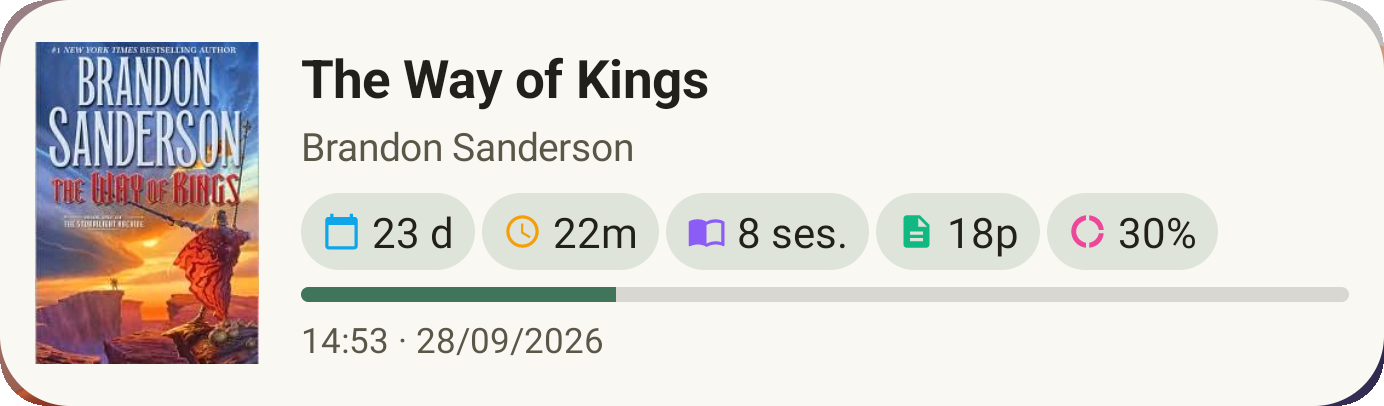
Book widget

Book widget Free

See the book you're reading right on your home screen: cover, title, author, pages and progress percentage, always up to date. Resizable to fit wherever you want.

Seriously bro the app feels like therapy, I have gone from reading a couple of pages per day to like 20 pages per day and improving User feedback, sent by email
Monthly comparison widget

Monthly comparison Pro

A quick look at your recent months without opening the app. Bars for each month's pages with the current one highlighted, so you can tell at a glance whether you're doing better or worse this month than last one.

Challenges widget

Challenges widget Pro

Your active challenges and their progress on the home screen. Pick which ones to show from the Challenges screen.

Meet Pagi and pick your style

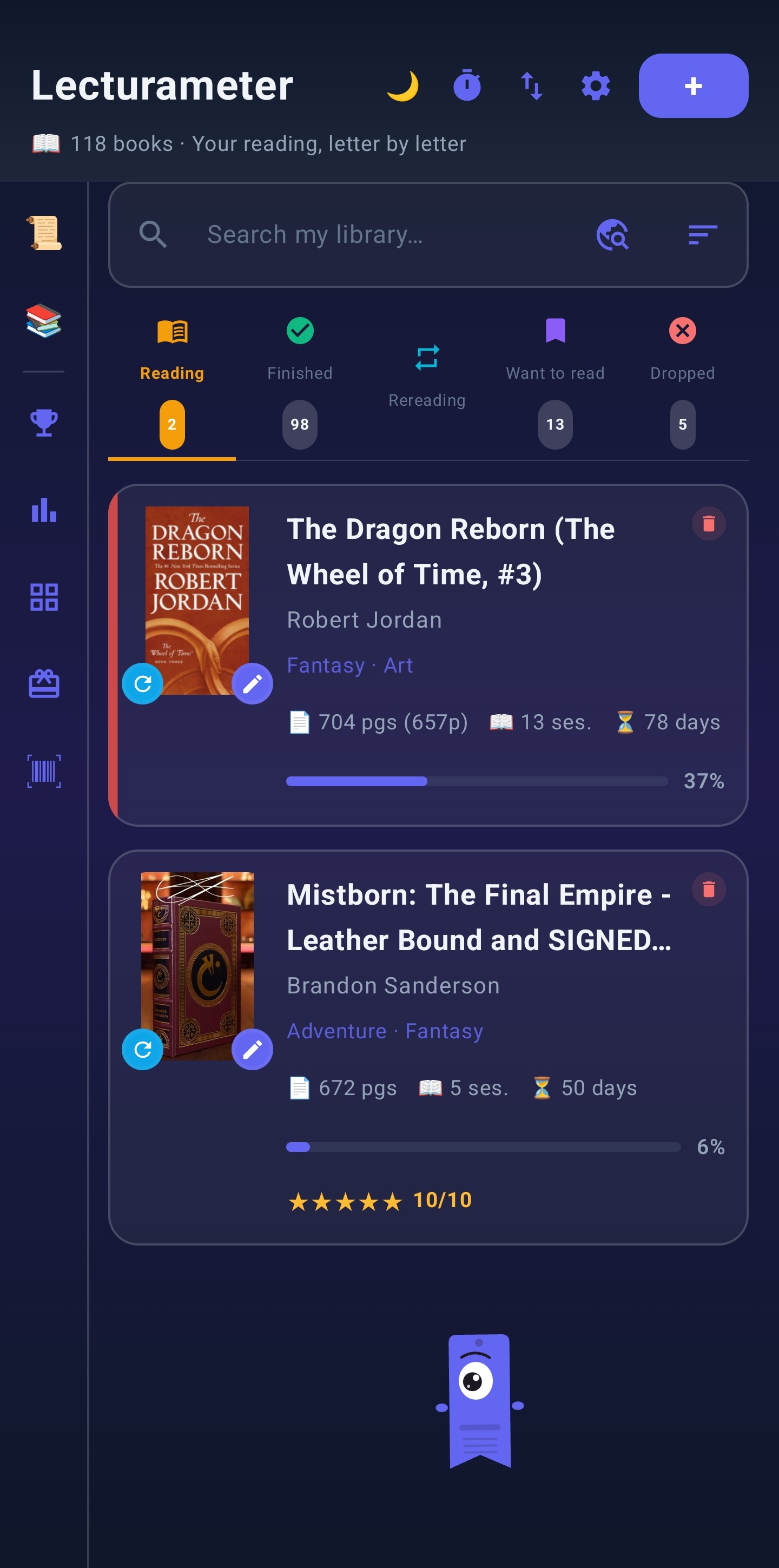
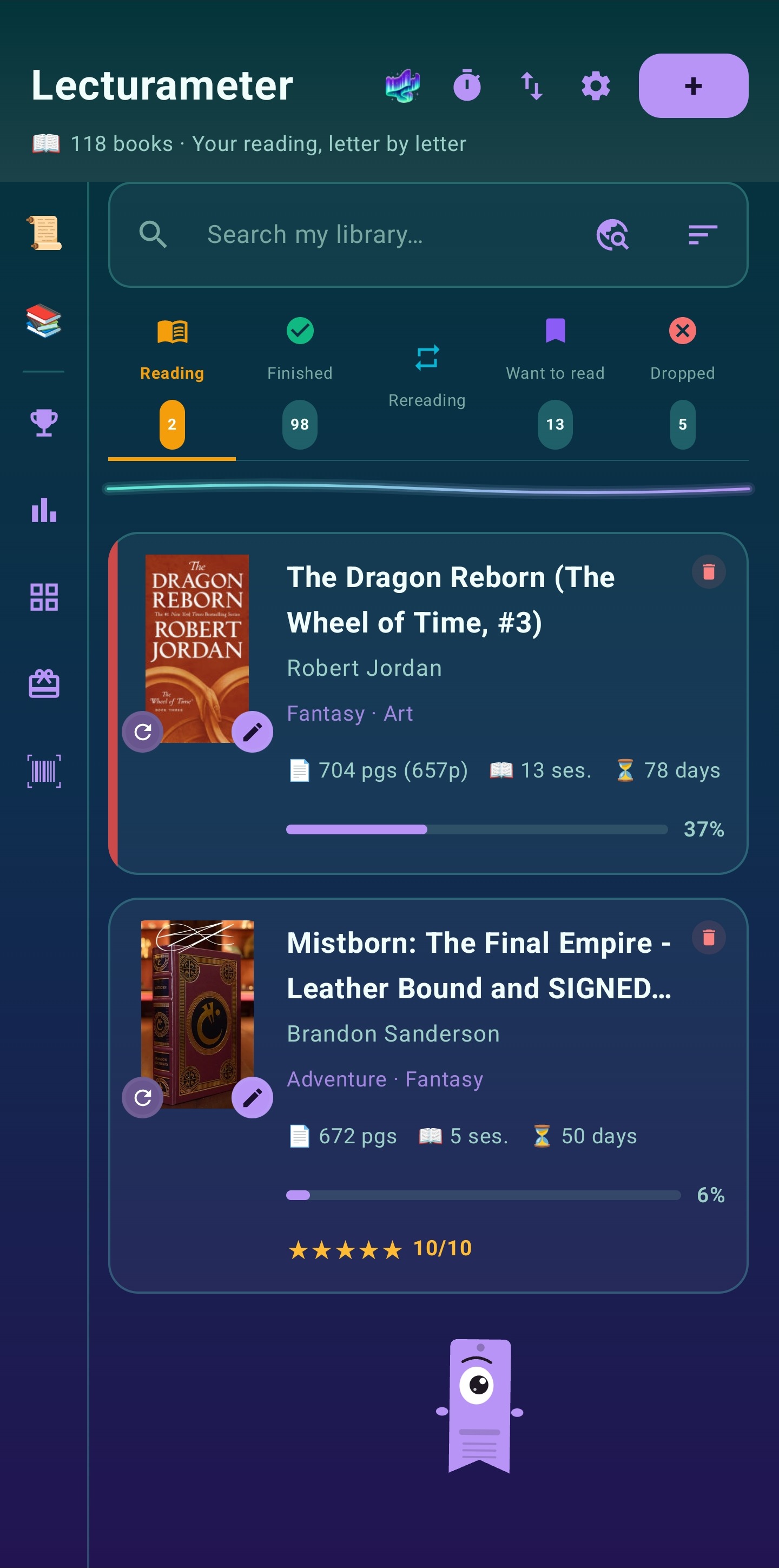
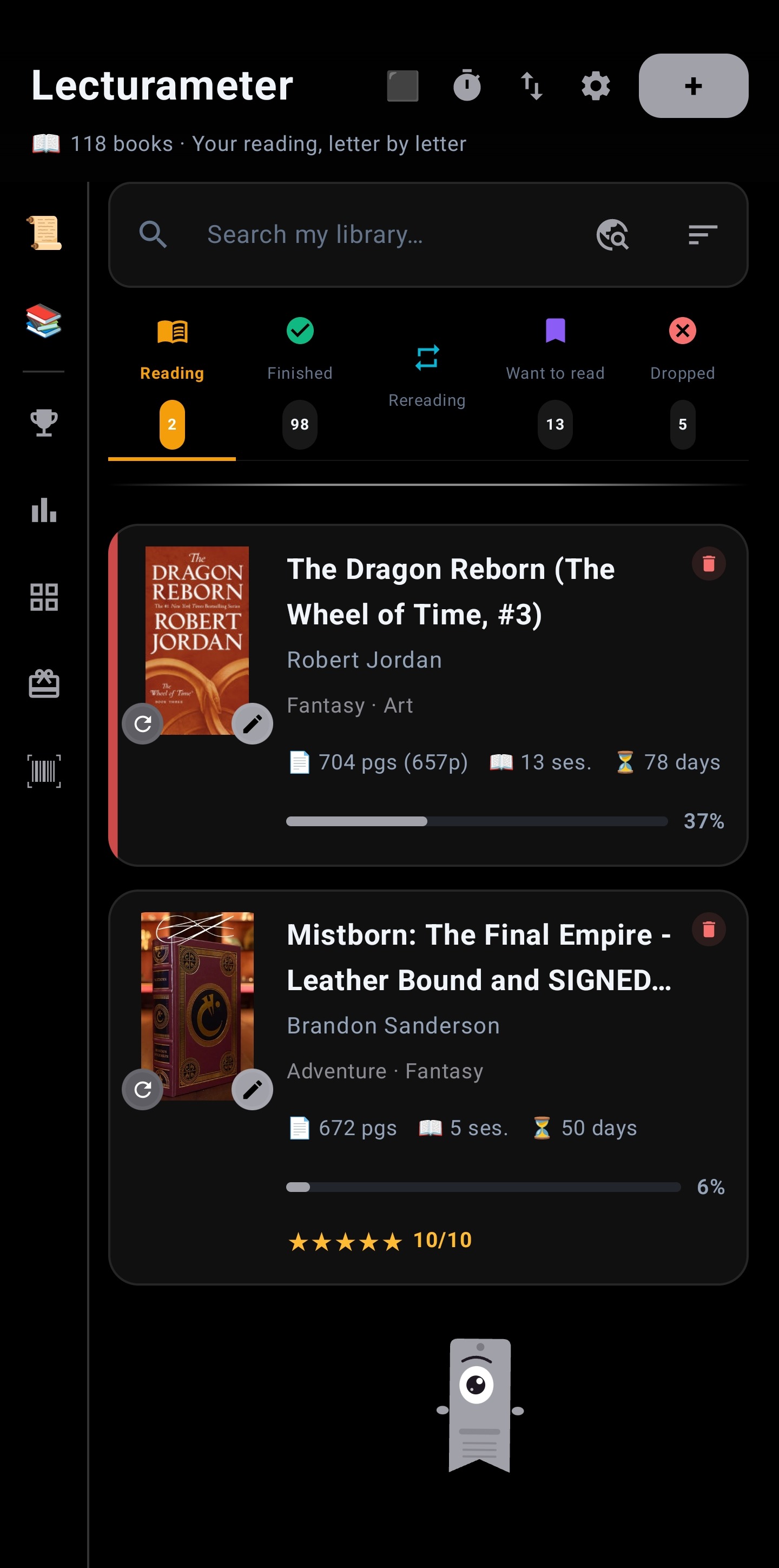
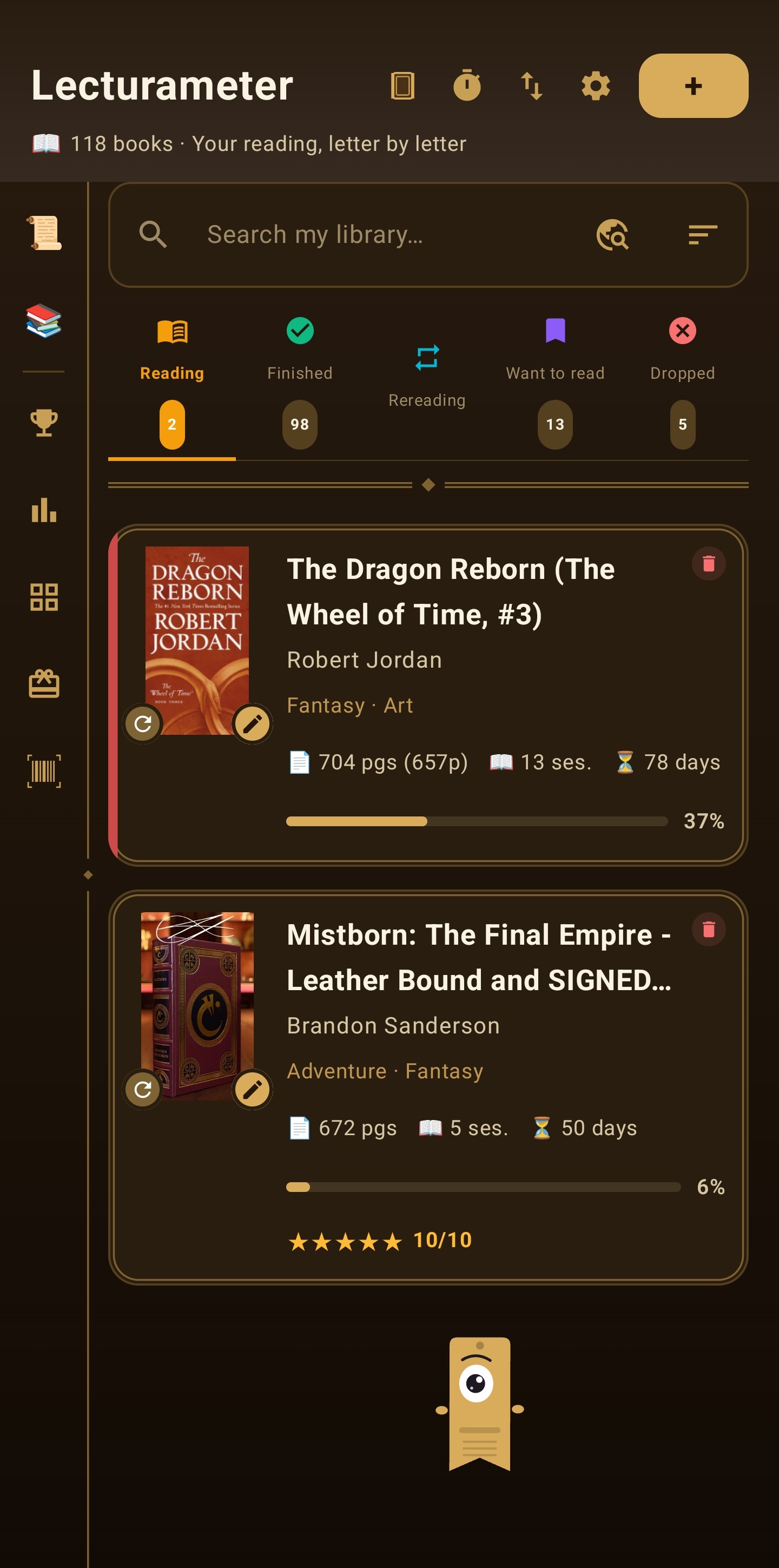
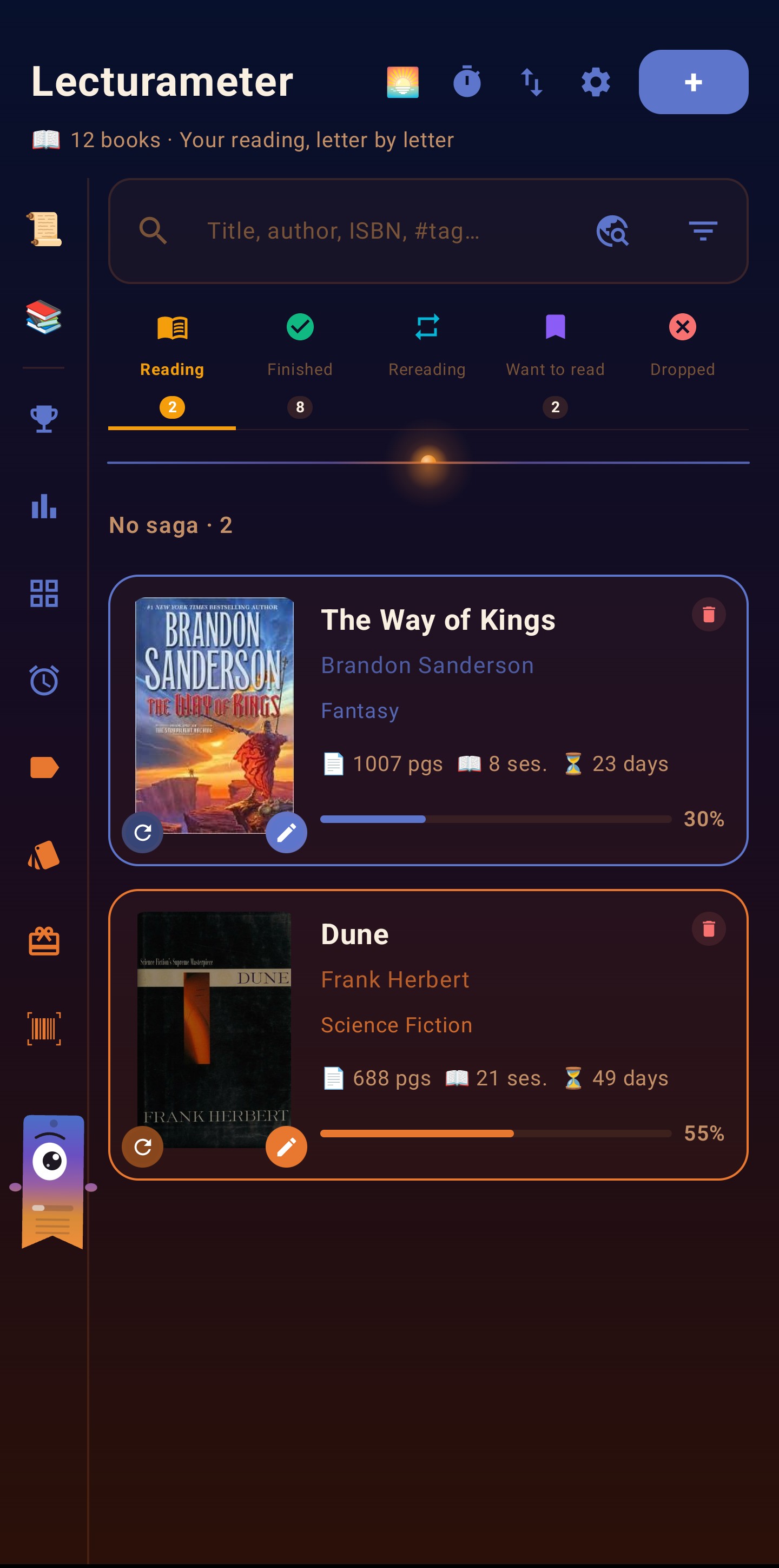
Pagi is Lecturameter's mascot: an animated bookmark that keeps you company while you read. Pagi adapts to every theme in the app, changing colour to match.

Free forever. Pro if you want more.

Try Pro features for 7 days without a card. At the end of the trial, even if you don't buy Pro, you get a free Pro theme of your choice.

Lecturameter
Free
$0

The whole app, free forever.

  • Full library
  • Sessions and timer
  • Book widget on home screen
  • Advanced stats and heatmaps
  • Yearly Wrapped and history (always free)
  • Reading bingo
  • Reading challenges (up to 15) with history
  • Local backups and Google Drive
  • Tag system (up to 3 per book)
  • Customizable reading reminders (up to 3)
  • Spine and edge photos for your books
These will never become Pro.
Lecturameter Pro
Lecturameter Pro
€4.99

One-time purchase, not a subscription.

iOS launch offer: €2.99 during the first month. After that, €4.99 (same price as Android). Still a one-time purchase.

Approximate price in your currency
  • EUR €2.99
  • USD $2.99
  • GBP £2.99
  • CAD CA$3.99
  • AUD A$4.99
  • CHF CHF 3.00
  • MXN MX$69
  • BRL R$19.90
  • ARS US$2.99
  • CLP CLP 2,990
  • COP COP 14,900
  • PEN S/ 12.90
  • JPY ¥500
  • CNY ¥22
  • INR ₹299
  • PLN 14.99 zł

Final prices set by the App Store; may vary slightly.

See regional prices

See how to activate Pro

Same price on Android and iOS after the launch month.

Try Pro free for 7 days, inside the app

No card required for the trial

  • Leather, Aurora and OLED themes
  • Immersive timer
  • Golden alternative icon
  • Monthly comparison widget
  • More than 15 active challenges at once
  • Unlimited editions
  • Unlimited reading reminders
  • Extra monthly 3x3 bingo (harder)
Everything else stays free. Pro only adds extras.

Patch notes v3.6

The latest additions to Lecturameter.

New

  • Settings reorganized into sections
  • Tags system (up to 3 per book, search with #)
  • Revamped book cards and detail, 4 card sizes
  • 5-star ratings with half stars
  • Notes split into: quotes, notes and opinion
  • Share books, challenges, bingos, heatmaps and stats
  • Customizable reading reminders
  • Dusk theme for Pro
  • Support for 40 languages

Fixes

  • Better layout in landscape and on large screens
  • Faster and more reliable book search
  • Pro Widget with monthly comparison
  • Destructive actions with undo
  • Reset tips from Settings > Help
  • Pagi no longer covers titles or appears in Settings

And for the next version...

What's coming in Lecturameter 3.7

Here's what we're working on for future versions. No fixed dates: everything ships when it's ready.

Soon

Audiobook and comic support

The app will distinguish comics, audiobooks and physical/digital books, each with its own specific metadata.

Soon

Challenges widget

A new home screen widget showing your active challenges and their progress at a glance.

Soon

Bingo widget

A home screen widget to keep your active bingo card visible without opening the app.

Soon

Powerful library filters

Combine genre, status, rating, year and saga filters to find any book instantly, even in a library of thousands.

Planned

Pause reminder

A gentle sound when your reading session has been paused for too long, to nudge you back to your book.

Planned

Add books, comics and audiobooks in bulk

A flow to register several items at once without going through them one by one.

Planned

Pro portability across devices and operating systems

Move your Pro between phones with a transfer code, even switching between Android and iPhone in either direction. Available once Lecturameter for iOS launches.

Planned

iOS version

Actively in development. Join the waitlist below to be notified when it's ready.

Coming to iOS

Lecturameter for iPhone is on the way. Join the waitlist and I'll let you know when it's ready.

2 + 3 = ?

At most one email when it's ready. No newsletter, no spam. You can also write directly to lecturameter.app@gmail.com.

Coming to iOS

Lecturameter is coming to iOS with the same features as Android: library, reading timer, statistics, challenges, bingo, Pagi and all five visual themes. 7-day trial, no card, no account.

iOS vs Android differences

iOS only

  • Home Screen Quick Actions (long-press icon to log a session, open challenges, etc.).
  • Apple Watch support (reading tracking widget).

Android only

  • Home screen widgets with several variants.
  • Automatic Google Drive backup.
  • Timer control from notification.

Pro purchase

  • Same price on both platforms.
  • Real portability: you can move your Pro between phones, even switching between iOS and Android, using a transfer code generated from Settings.
First demo of Lecturameter on iPhone

As of September 20, 2026, the iOS version is around 30% complete. There's still work to do, but you can already see it taking shape.

Frequently asked questions

Yes. Go to Settings > Import/Export and follow the step-by-step wizard. Supported apps:
  • Goodreads (CSV): goodreads.com > My Books > Import and export > Export Library.
  • StoryGraph (CSV): app.thestorygraph.com > Manage account > Import/Export > Export STG Library. The CSV arrives by email.
  • Bookmory (.bookmory or XLSX): Settings > Backup > Export.
  • Fable / ShelfBridge (CSV): export via the ShelfBridge extension.
  • Book Tracker (CSV): Settings > Export.
  • Lecturameter CSV: if you exported from another device running Lecturameter.
  • Other apps (Babelio, Pagebound, Bookshelf, Delibrista…): any CSV compatible with the Goodreads/StoryGraph format.
Absolutely. Your data is stored only on your phone. Your library never leaves your device. The app sends anonymous usage statistics and crash reports, which you can turn off in Settings. Also, if a search finds nothing, that text or ISBN is kept, with no identifier, so the missing works can be added. Details in the privacy policy. If you enable Google Drive backup, only you have access to those files.
No. The app is free with an optional one-time Pro purchase.
Almost everything works offline. You only need a connection to search for new books and to upload Google Drive backups.
I'm actively working on it right now. You can join the waitlist using the form above or by emailing lecturameter.app@gmail.com.
Yes. There's a free 7-day trial of Pro features, no card required. At the end of the trial, even if you don't buy Pro, you get a free Pro theme of your choice.
It depends on how you activated it. If you bought it on Google Play (regular purchase or a Play promo code) and you switch to another Android with the same Google account, just install Lecturameter and tap Restore purchase in Settings. If you bought it on the App Store (regular purchase or an App Store promo code) and you switch to another iPhone or iPad with the same Apple ID, same thing: install and tap Restore purchase. To move between Android and iPhone in either direction, whatever the source (Play purchase, App Store, promo, or an lm-… code), use a pairing code: on your current phone, in Lecturameter Settings, Pair device, get a temporary code, enter it on the new device and it activates there too. If you sell or lose the old device, you can revoke it from the same screen. More details in How to activate Pro. Available once Lecturameter for iOS launches.
Yes. With a transfer code generated inside the app, you can move your Pro between phones, even switching from Android to iOS or iOS to Android. You can manage your Pro devices and generate transfer codes from Settings. Available once Lecturameter for iOS launches.

Version history

New
  • The immersive session's sound bar now expands in landscape too, with previous/next and loop/sequence controls
  • Sound groups highlight your theme's accent colour more clearly
Fixes
  • Landscape no longer gets stuck in portrait when you use the app in a language different from your phone's
  • More breathing room between the sound card and the timer buttons when expanded