LecturameterLecturameter

Tu vida lectora,
medida y organizada

Lecturameter organiza tu biblioteca, cronometra tus sesiones (incluso con la pantalla apagada) y convierte tu año de lectura en estadísticas que dan gusto mirar.

  • Sin anuncios
  • Sin suscripciones
  • Tus datos solo en tu móvil

⚠️ Primero únete al grupo (paso 1) y después instala (paso 2). Sin el grupo, la instalación no funcionará.

Prueba cerrada · Lanzamiento oficial en Play Store próximamente

3h 30mtiempo total
136páginas leídas
17,0págs/día
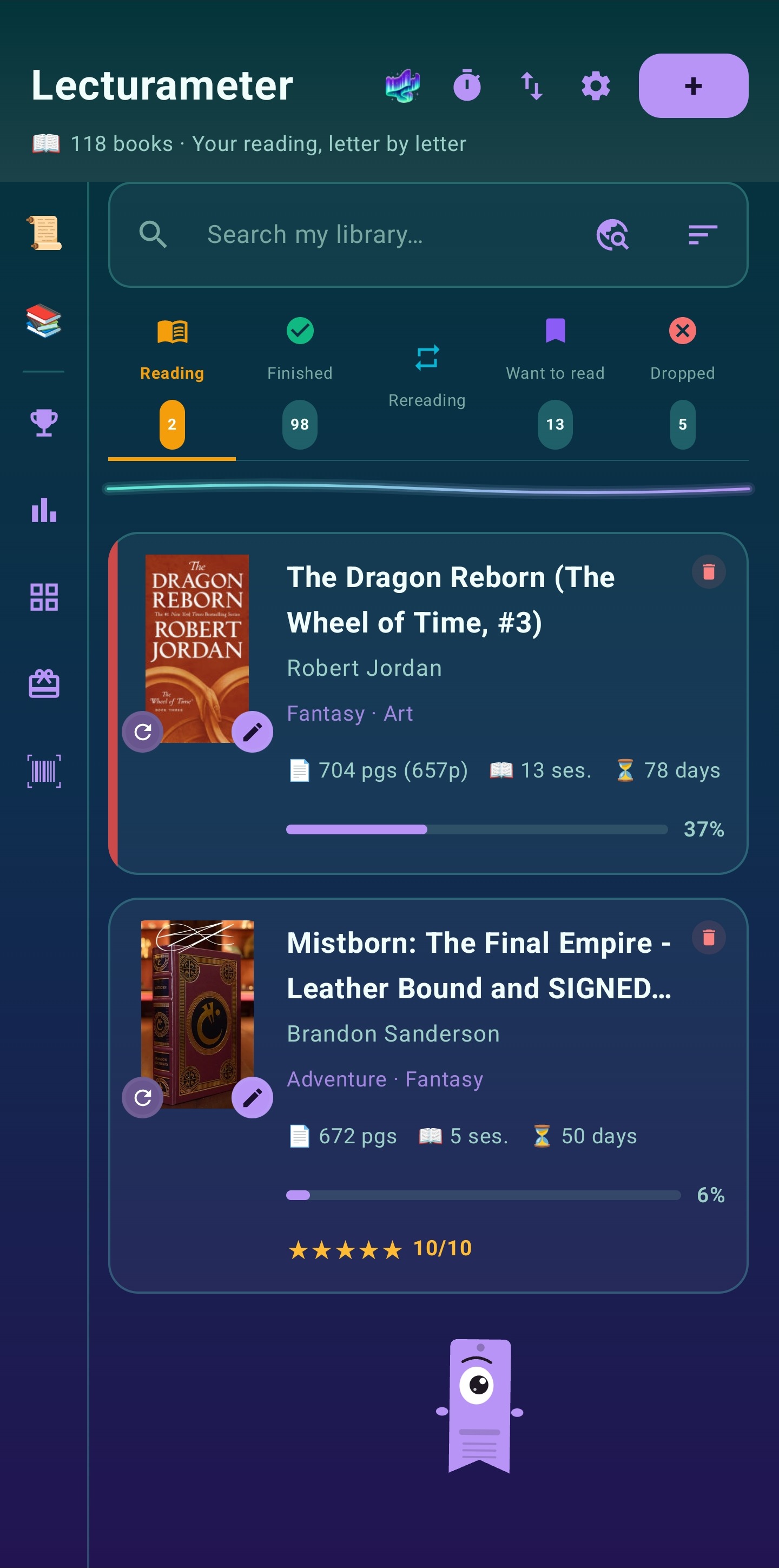
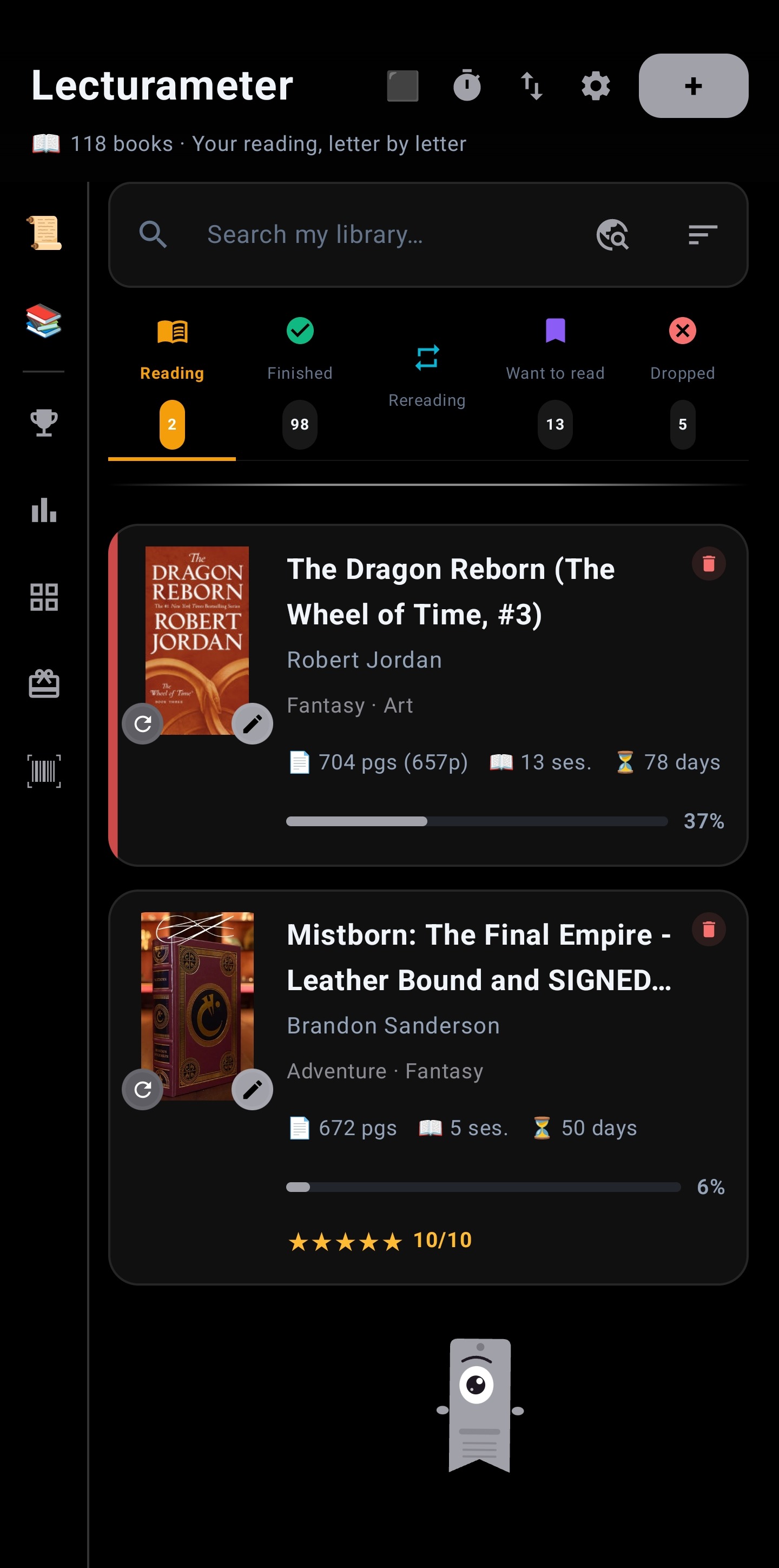
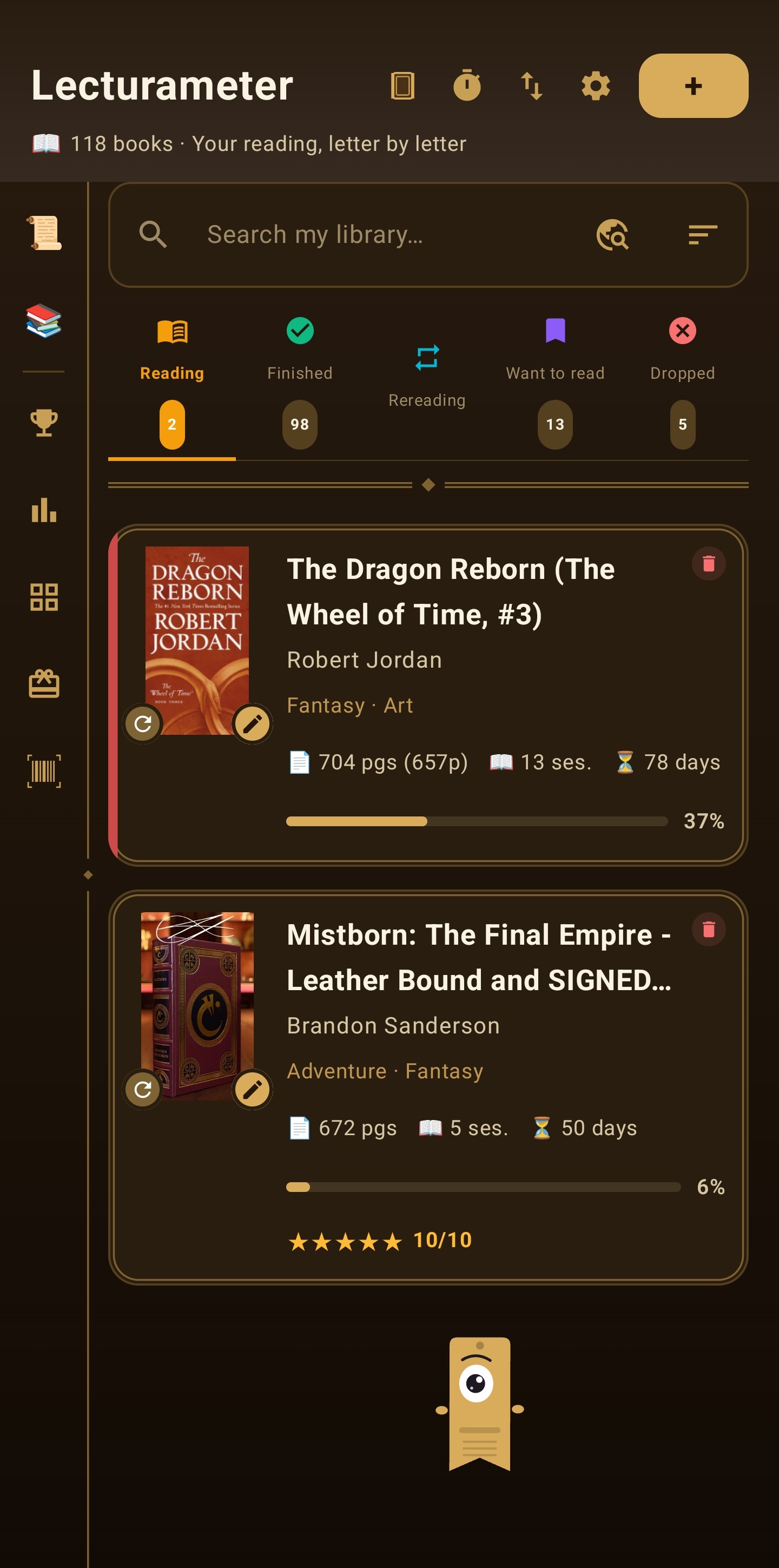
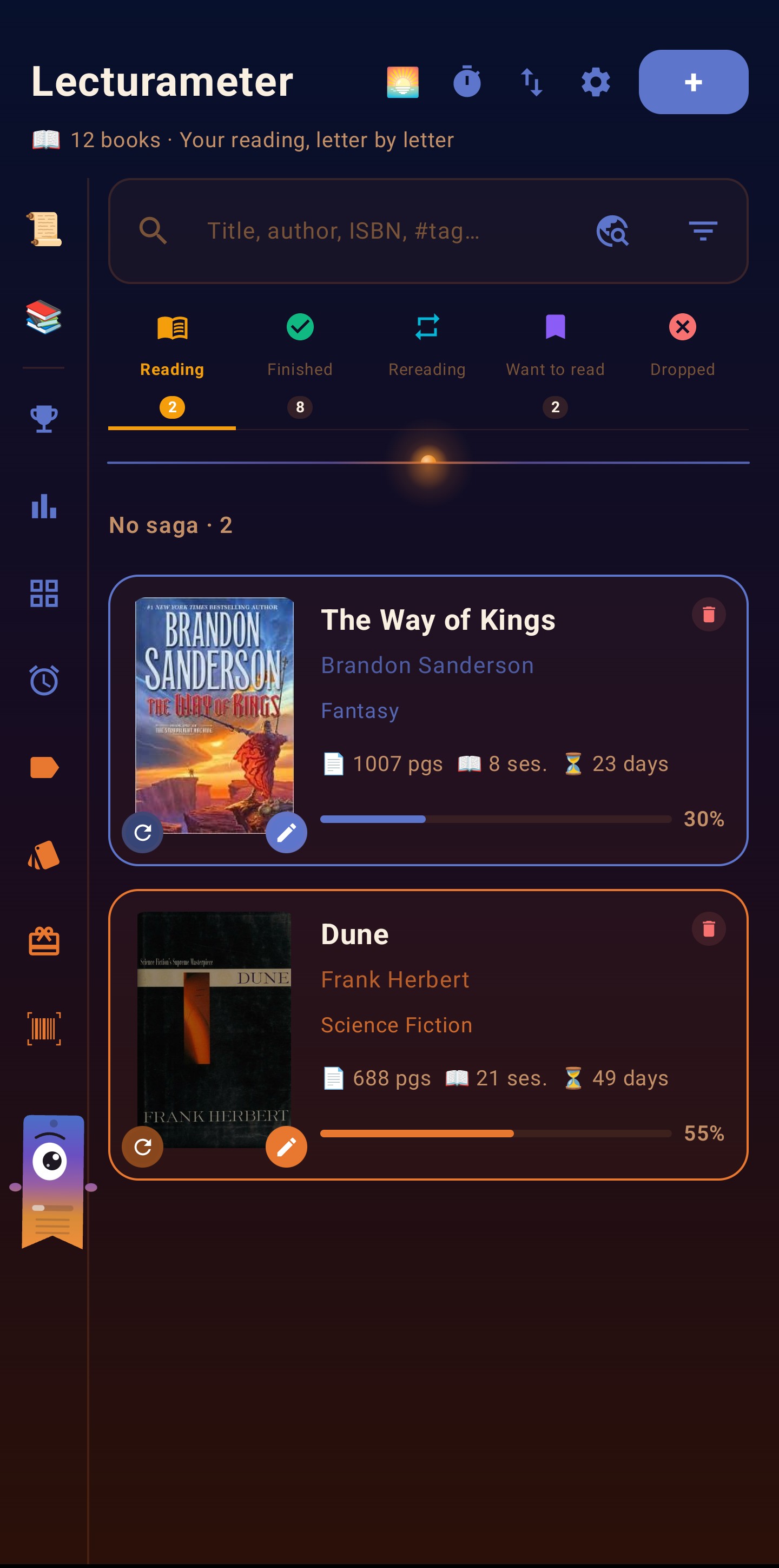
Biblioteca de Lecturameter con estanterías de libros

📚 Así funciona Lecturameter

Capturas reales de la aplicación. Cada pantalla está pensada para que registrar tu lectura cueste lo mínimo.

Biblioteca por estanterías

Una biblioteca con estanterías de verdad

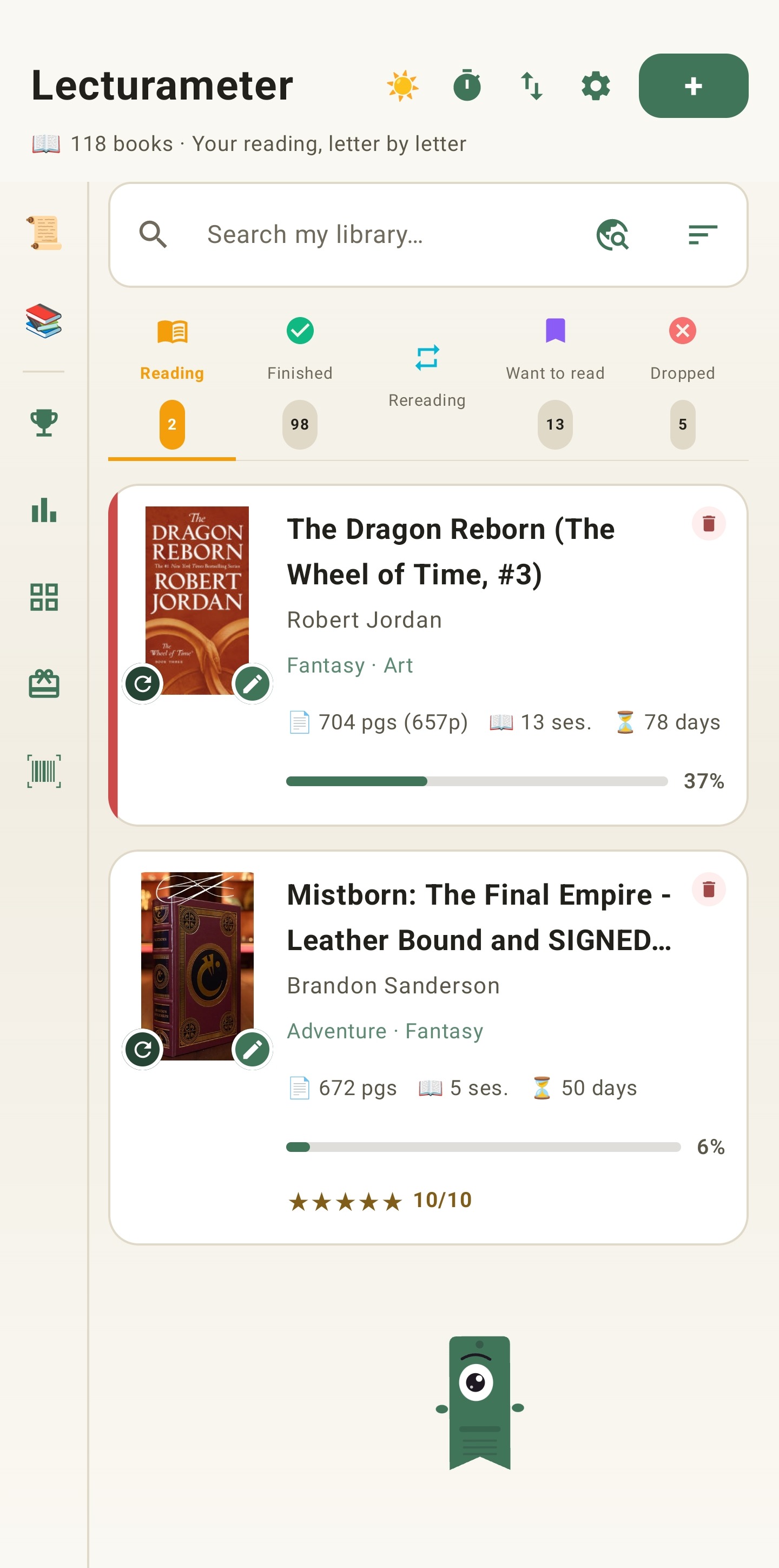
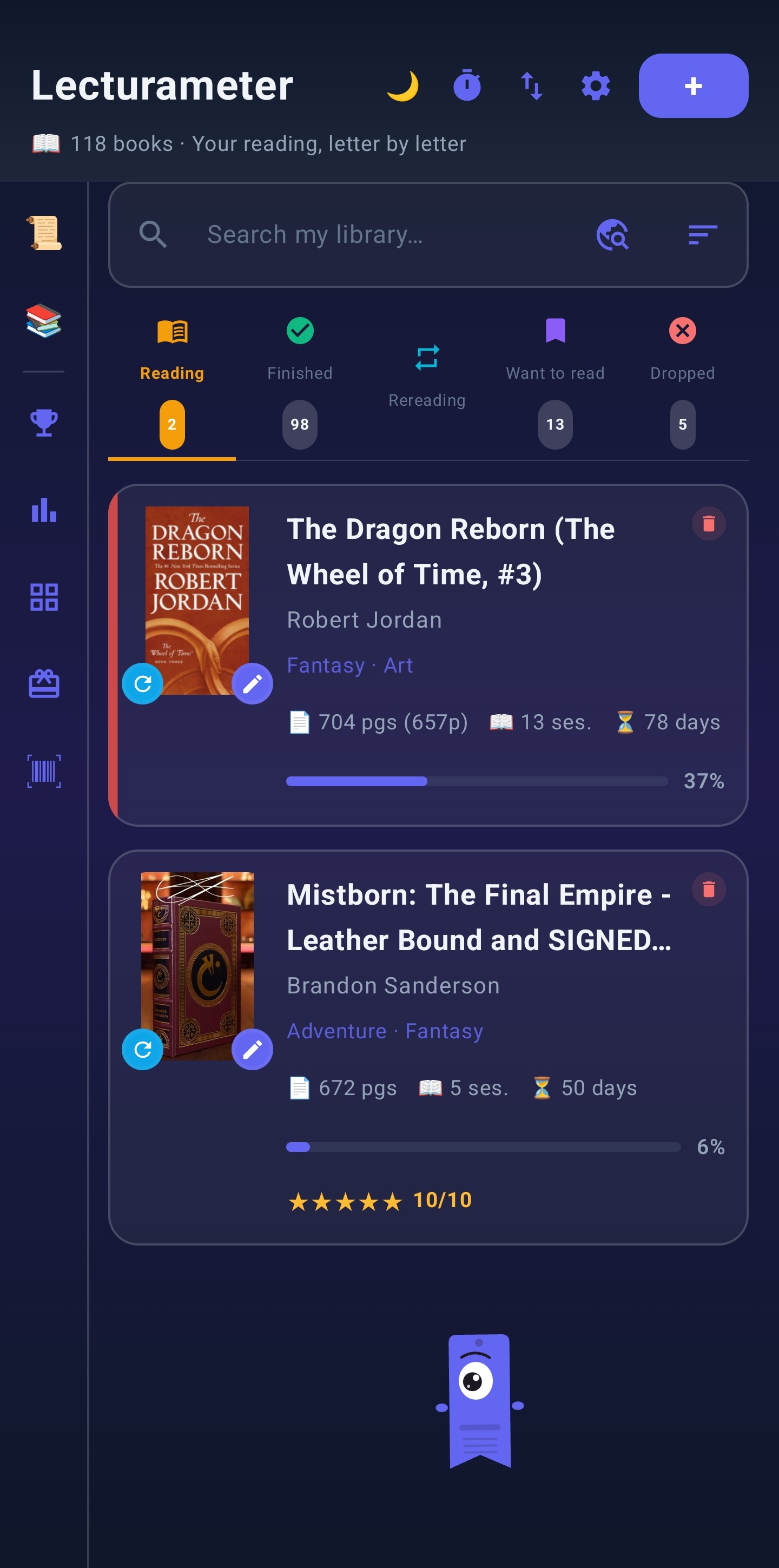
Tus libros se ordenan en Leyendo, Leído, Releyendo, Quiero leer y Abandonado. Las portadas y géneros se descargan solos, y si vienes de Goodreads puedes importar toda tu biblioteca en CSV.

  • Búsqueda por título, autor o ISBN
  • Importación y exportación Goodreads (CSV)
  • Soporte para manga y múltiples ediciones

Cronómetro que sigue contando con la pantalla apagada

Pulsa Iniciar y lee. Al parar, la sesión se guarda sola con su tiempo, páginas y ritmo. Las páginas funcionales descuentan prólogos, índices y apéndices para que el ritmo sea el real.

  • Sesiones automáticas con ritmo págs/min
  • Páginas funcionales configurables
  • Puntuación, comentario y fechas por lectura
Historial global de sesiones con todos los libros leídos

Historial completo de todo lo que has leído

Un resumen por libro con sesiones, tiempo y páginas de cada lectura y relectura. Tu registro lector completo, siempre a un toque.

  • Resumen por libro y por sesión
  • Relecturas contadas por separado
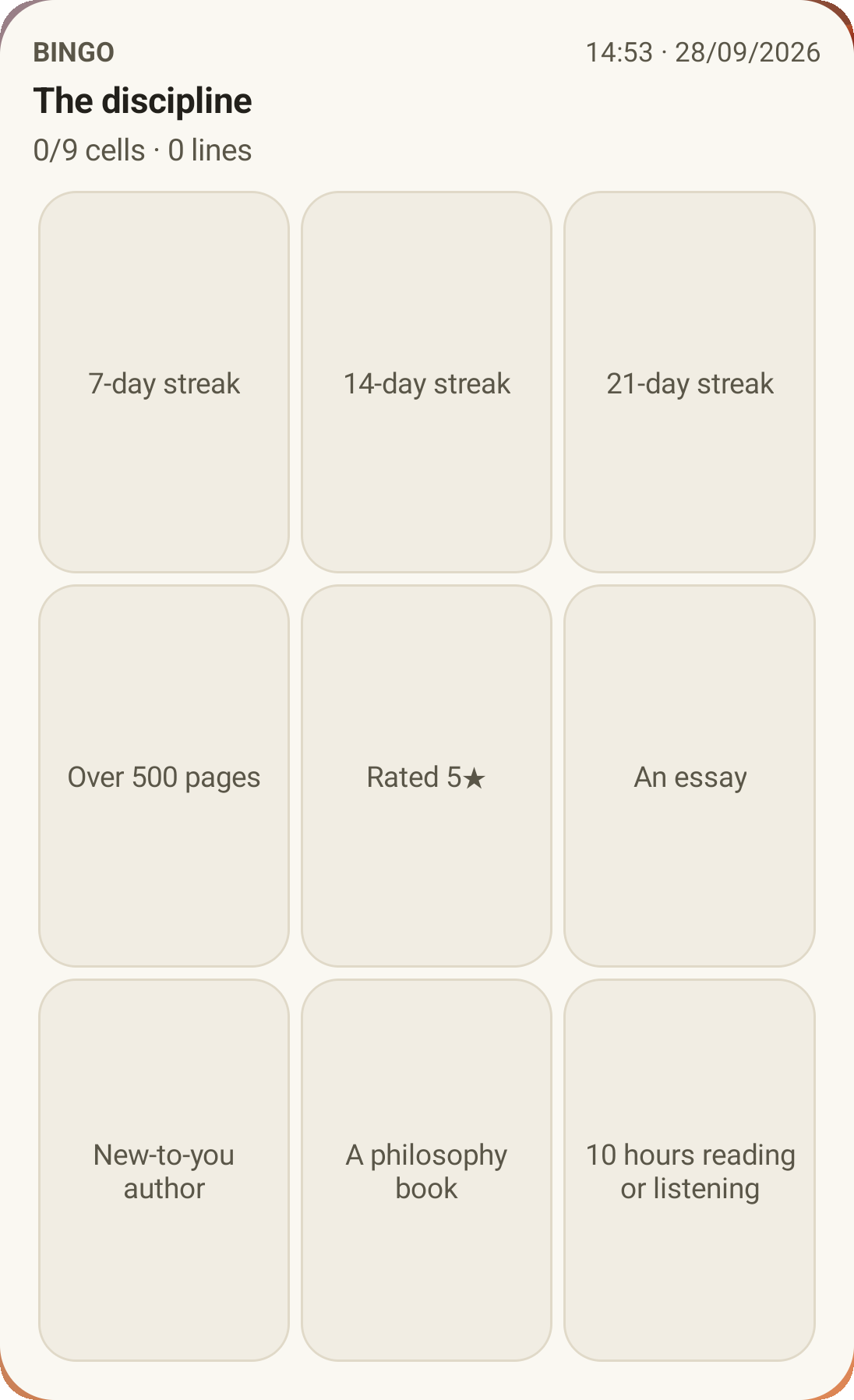
  • Retos de lectura: páginas, libros, rachas…
Widget de Lecturameter en la pantalla de inicio

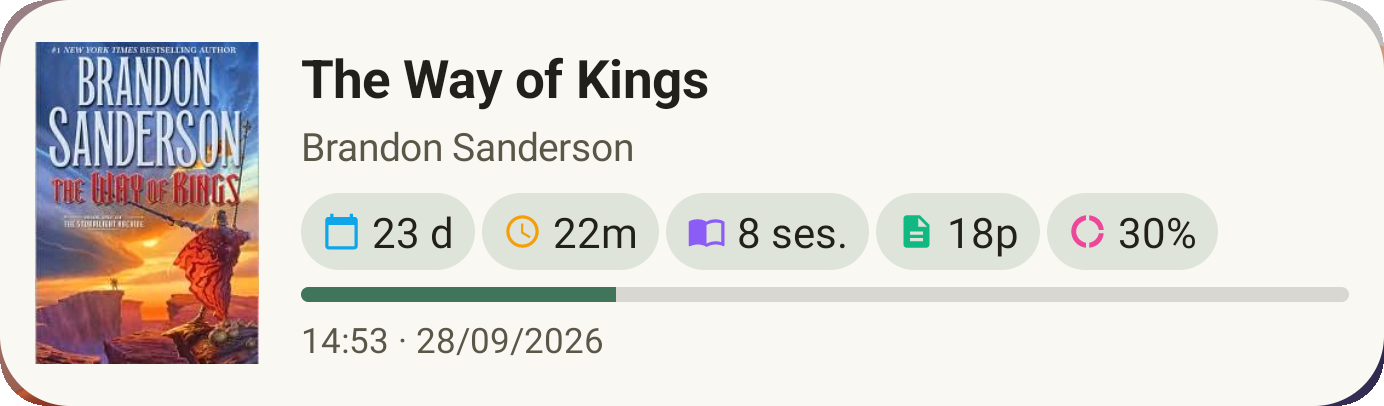
Tu libro actual, en la pantalla de inicio

El widget muestra el libro que estás leyendo con su progreso y estadísticas rápidas, sin abrir la app.

  • Progreso y ritmo de un vistazo
  • Configurable desde Ajustes
  • Copias de seguridad automáticas en local y Google Drive
🏆
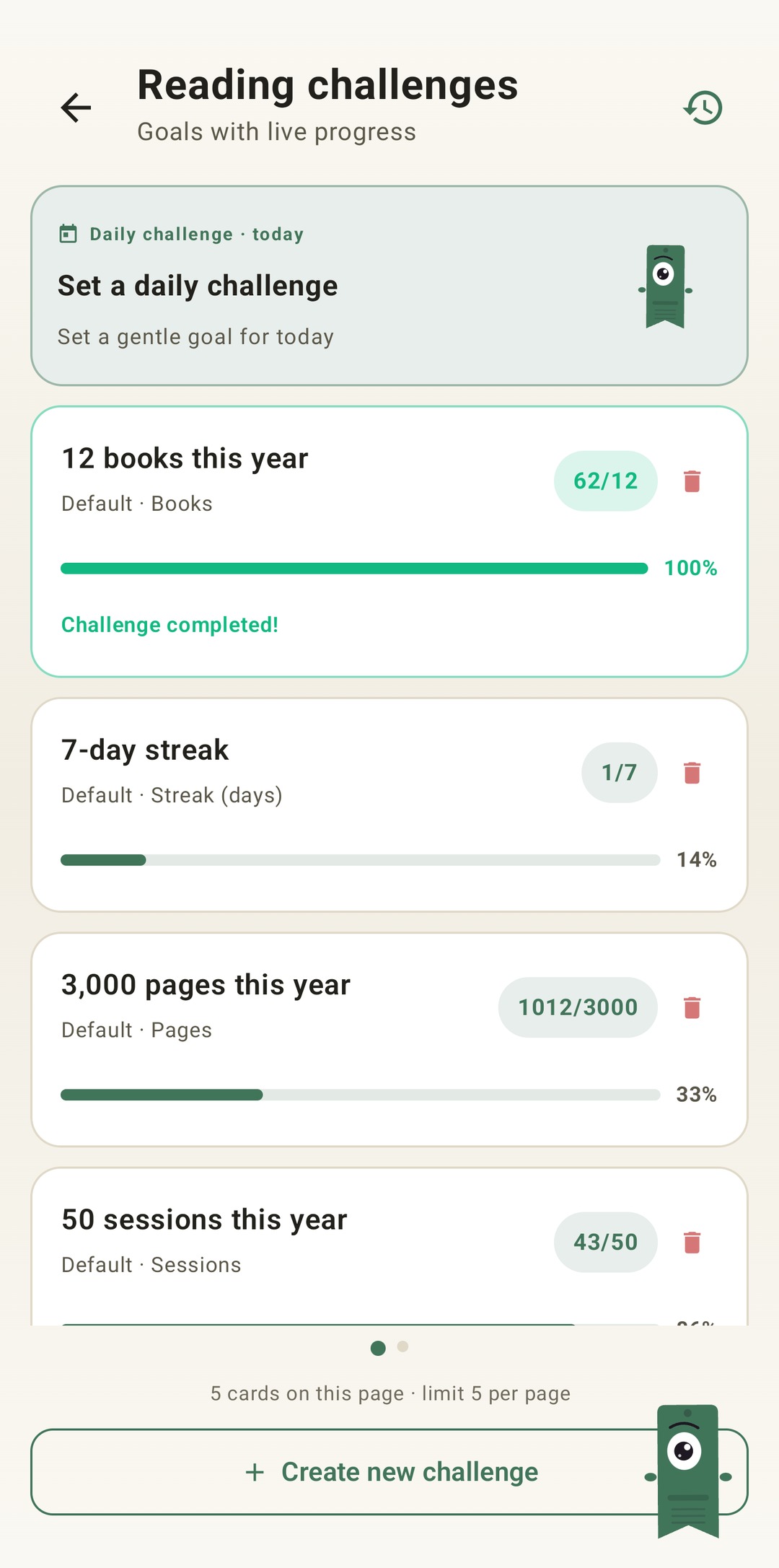
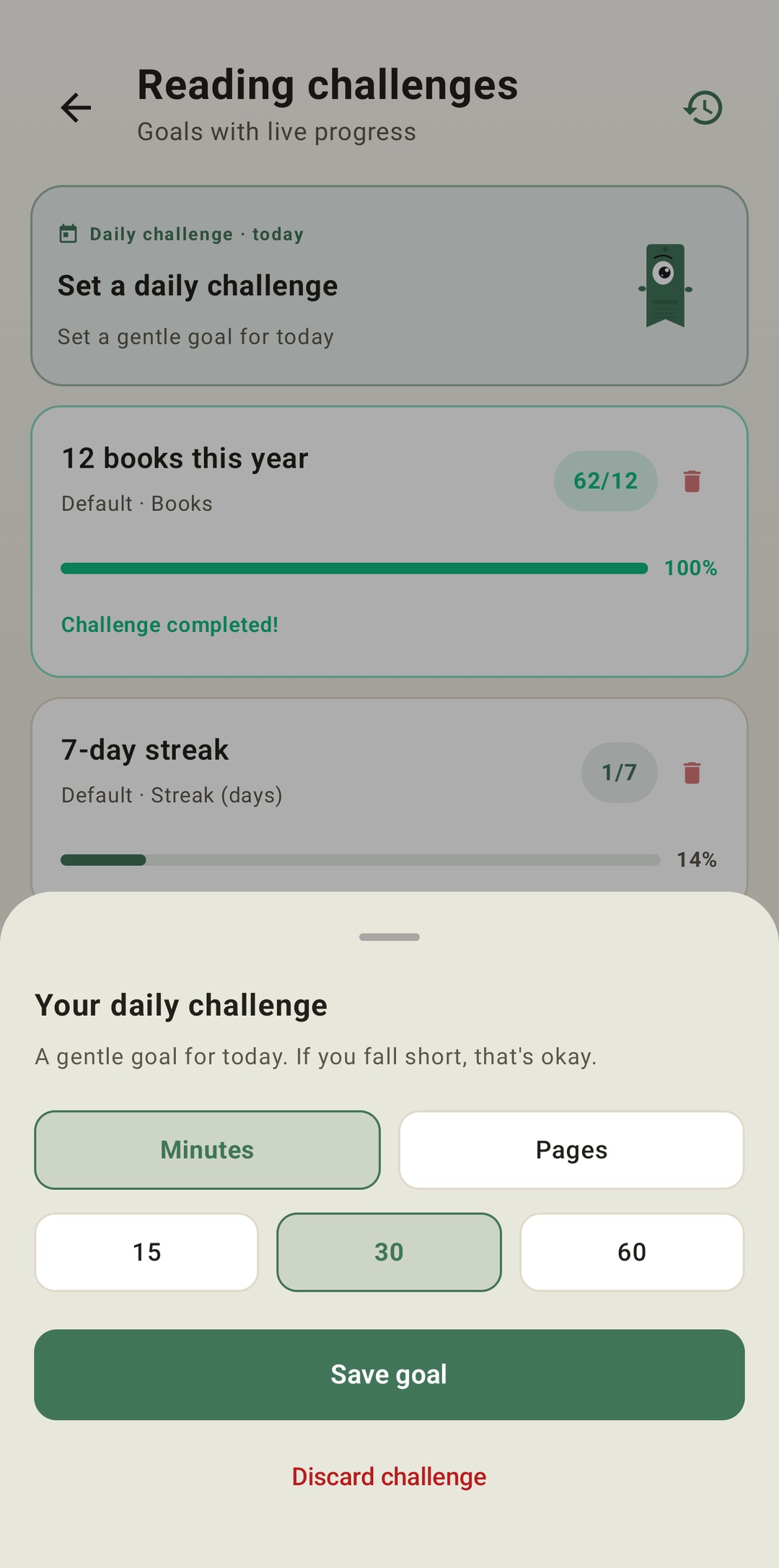
Retos de lectura
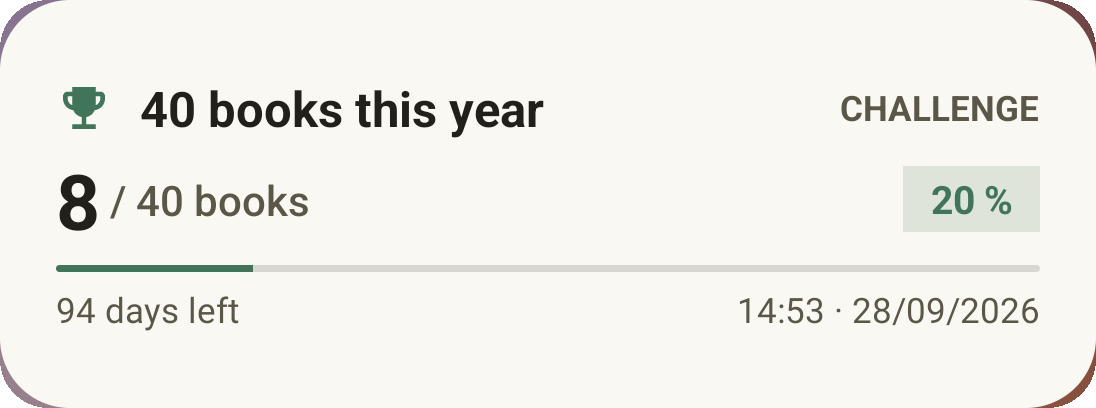
Metas de páginas, libros, sesiones, minutos o rachas de días. Anuales o con tus propias fechas.
📖
Páginas funcionales
Ignora prólogos, índices y apéndices para calcular tu ritmo real.
🌐
Múltiples ediciones
Cambia de edición o idioma sin perder las sesiones registradas.
g
Goodreads
Importa tu biblioteca en CSV y expórtala igual de fácil. Tus datos nunca quedan atrapados.
☁️
Backup local y Drive
Copias de seguridad automáticas en el móvil y en tu Google Drive.
📴
100% offline
Todo funciona sin conexión. Internet solo se usa para portadas y metadatos.

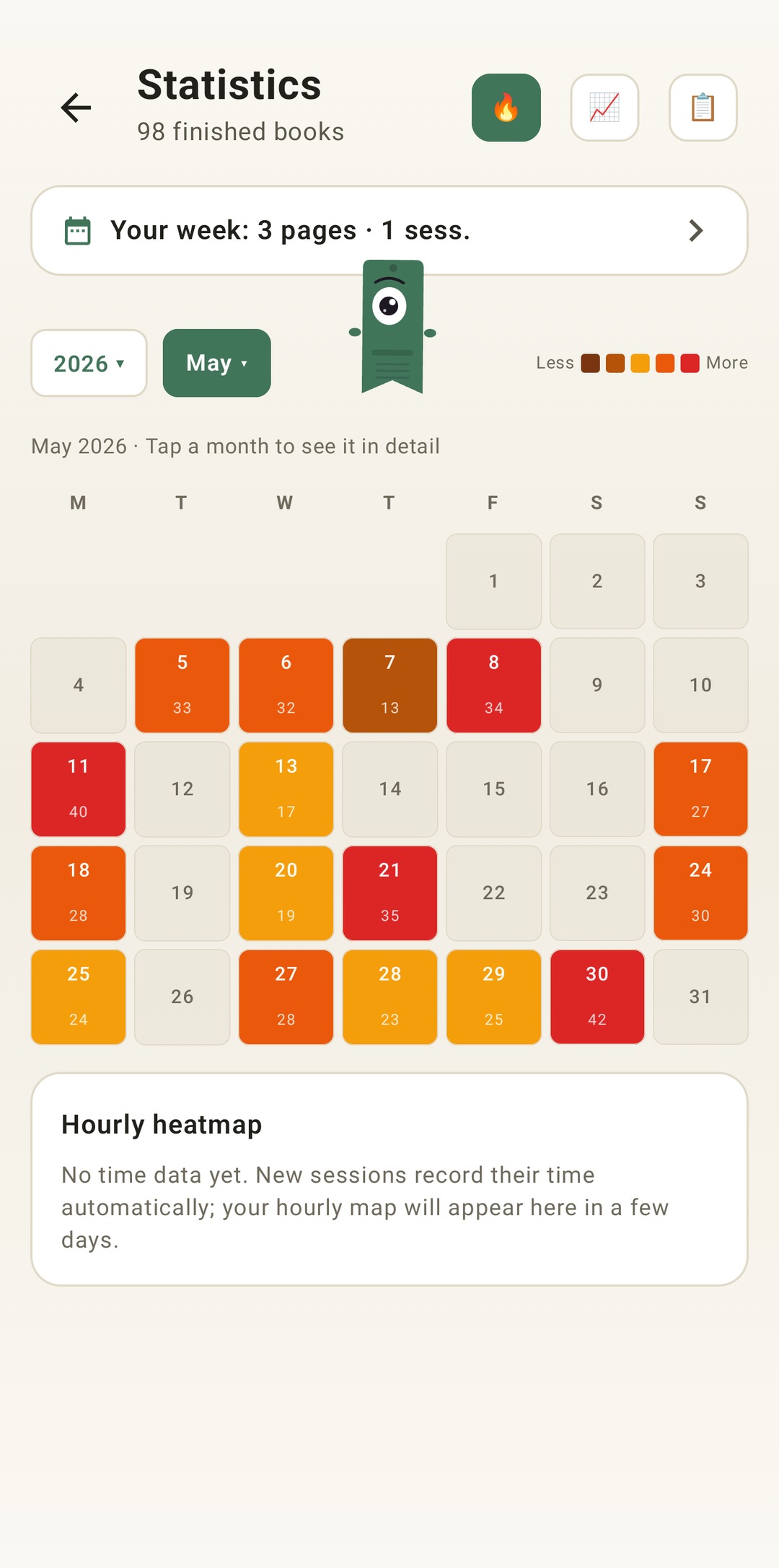
📊 Estadísticas que motivan a seguir leyendo

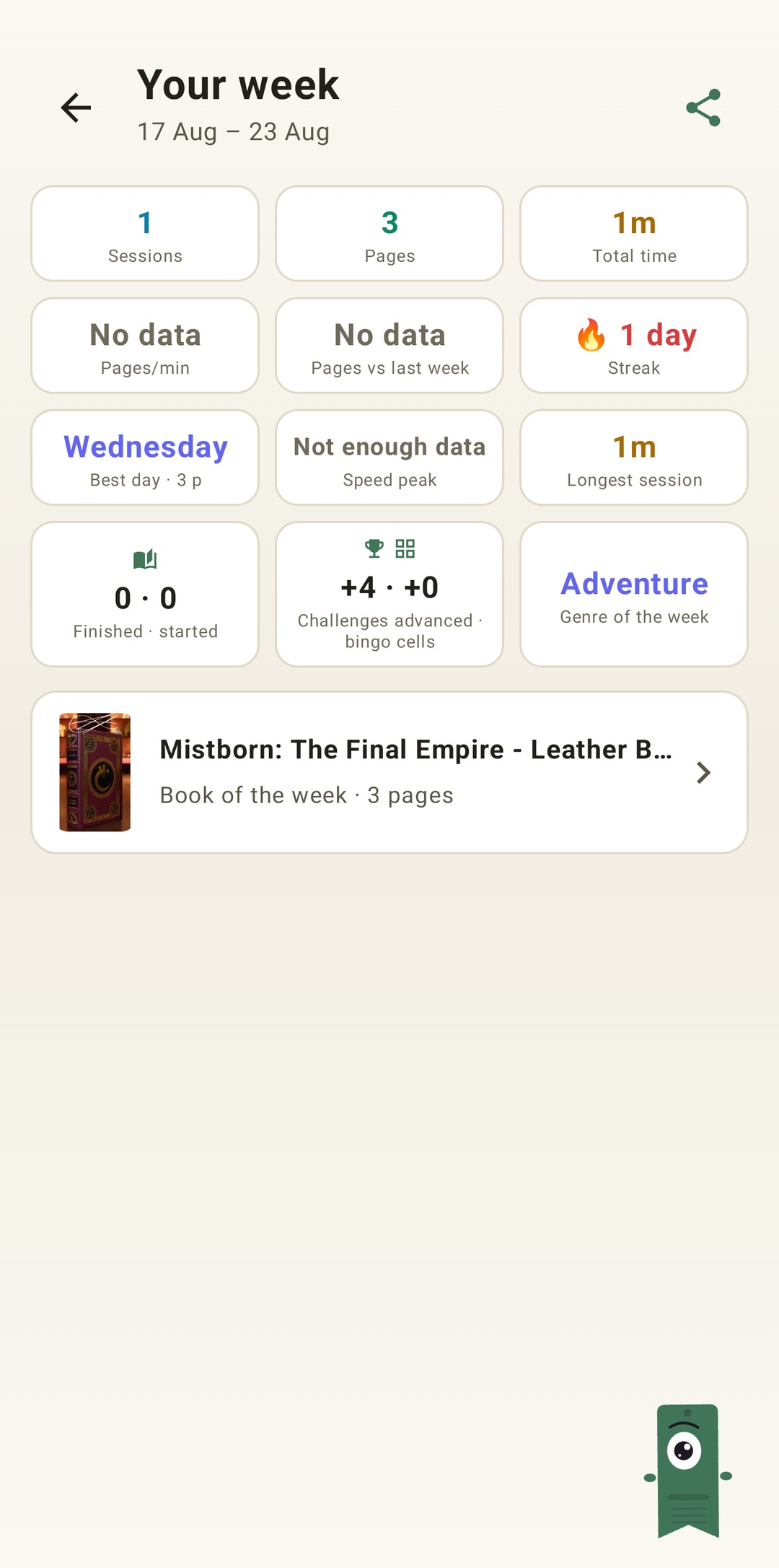
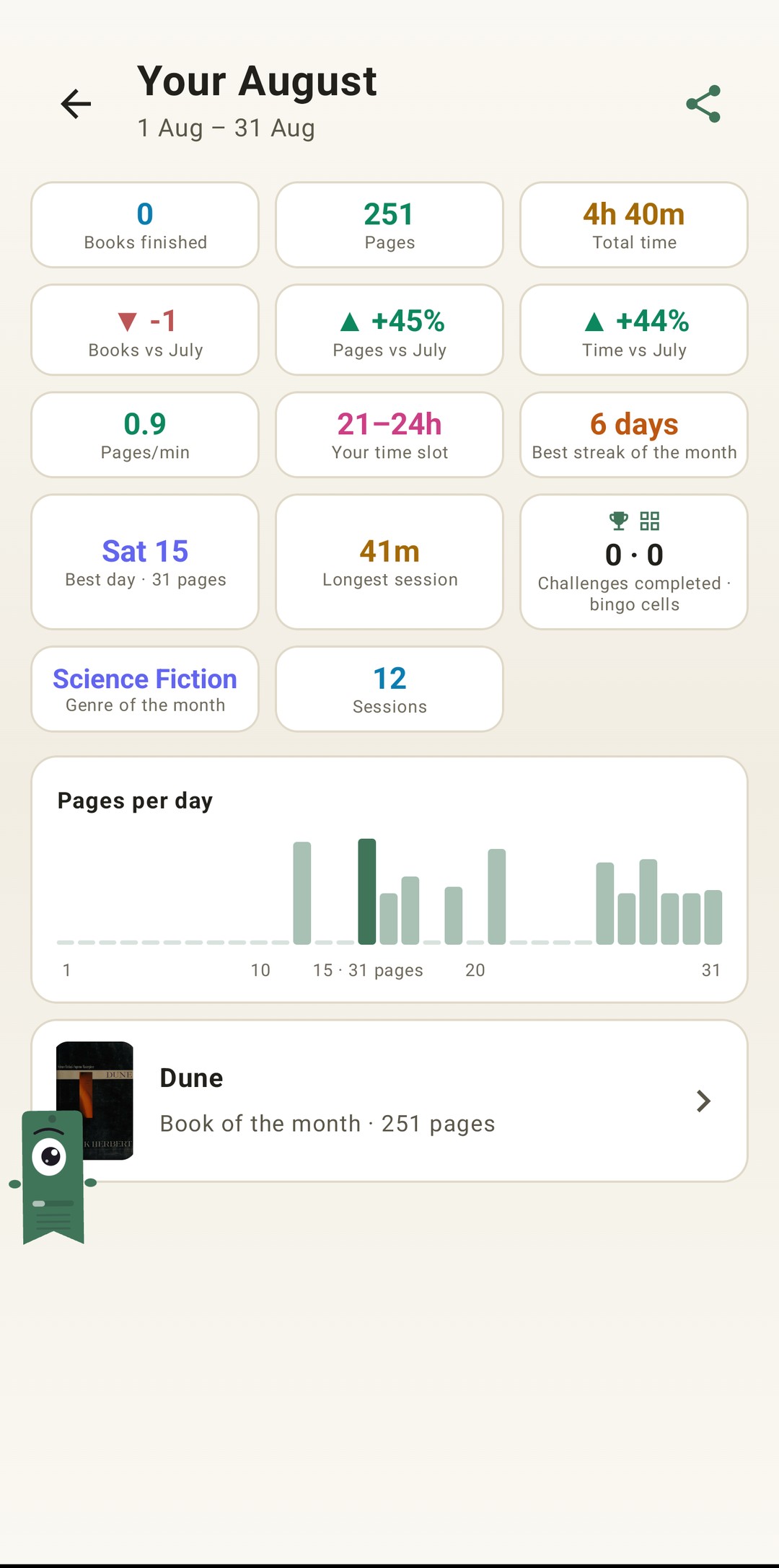
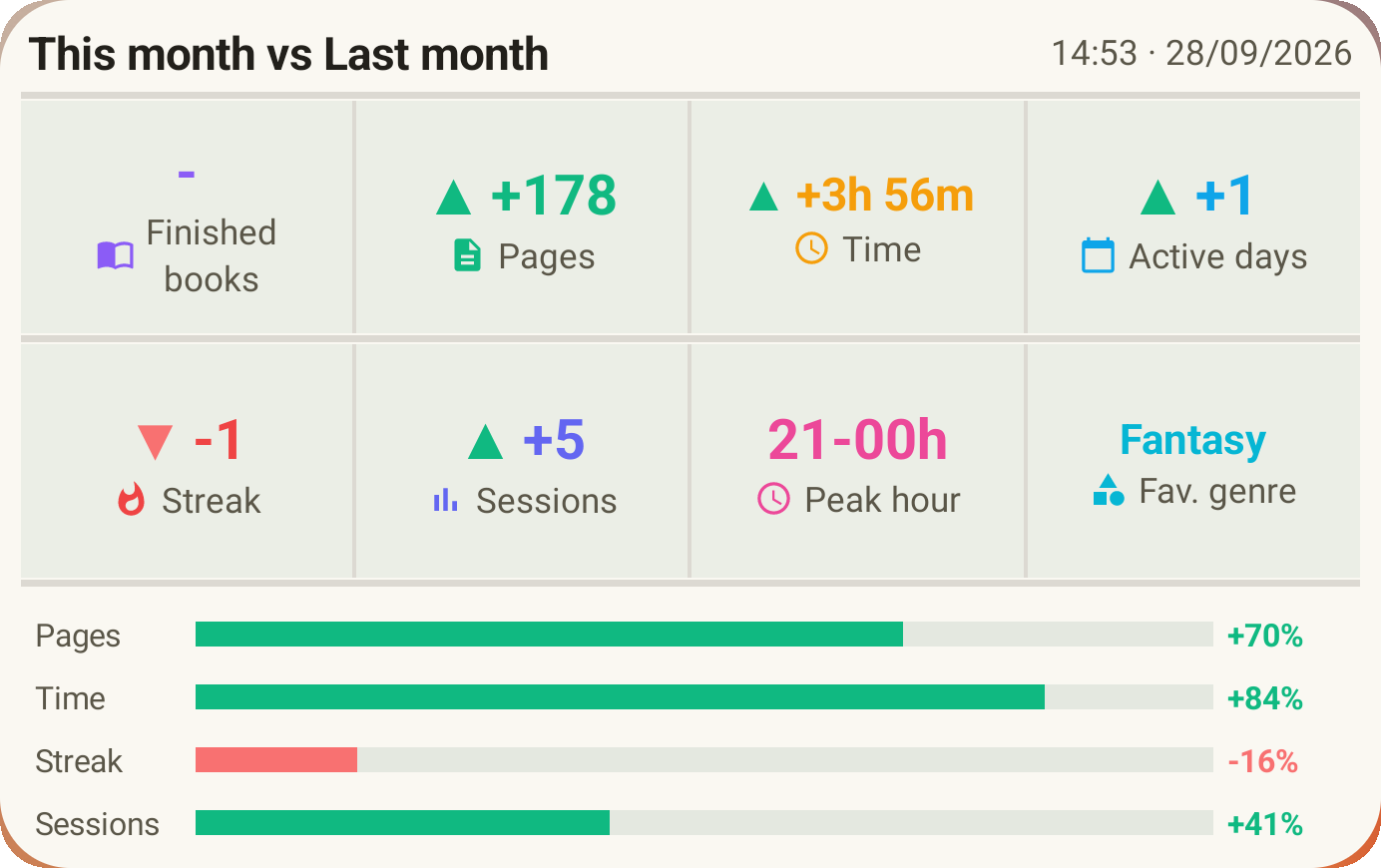
Mapa de calor, resumen anual estilo Wrapped, comparativas entre años y el detalle de cada sesión. Esto es un ejemplo real de lo que verás.

5
Libros totales
7
Sesiones
120
Páginas leídas
3h 6m
Tiempo total
17.1
Media págs/sesión
0.6
Media p/min
Páginas por día

🗣️ Lo que dicen los primeros usuarios

"Uso el cronómetro para leer antes de dormir, y va de maravilla incluso con la pantalla apagada."
— Feedback interno
"El resumen anual es un detallazo. Ver mis estadísticas me motiva a seguir leyendo."
— Tester de Google Group
"Me gusta que los datos no salgan del móvil. Es justo lo que busco en una app de este tipo."
— Mensaje privado en Reddit
🔒
Tus datos solo están en tu dispositivo
Lecturameter no recopila ni envía tus datos a ningún servidor. Tu biblioteca, sesiones y estadísticas se guardan exclusivamente en tu móvil. Si activas el backup en Google Drive, solo tú tienes acceso a esos archivos. Sin anuncios, sin suscripciones, sin tracking. Lee la política completa →

📩 Recibe un aviso cuando la app esté disponible

Te llegará un único correo cuando se lance oficialmente. Sin spam, solo un aviso.

🔐 2 + 3 = ?
📦 Copia de seguridad de demostración

¿Quieres probar la app con datos de ejemplo? Descarga este backup con 10 libros clásicos repartidos en todas las categorías (leyendo, terminado, releyendo, quiero leer, abandonado) y sesiones de lectura incluidas.

Descargar backup demo
Cómo usarlo:
1. Descarga el archivo JSON en tu móvil
2. Abre Lecturameter → Ajustes → Restaurar backup local
3. Selecciona el archivo descargado
4. ¡Listo! Explora la biblioteca, estadísticas y widget

Your reading life,
measured and organized

Lecturameter organizes your library, times your sessions (even with the screen off) and turns your reading year into stats you'll love to look at.

  • No ads
  • No subscriptions
  • Your data stays on your phone

⚠️ Join the group first (step 1), then install (step 2). Without the group, installation won't work.

Closed testing · Official Play Store launch coming soon

3h 30mtotal time
136pages read
17.0pages/day
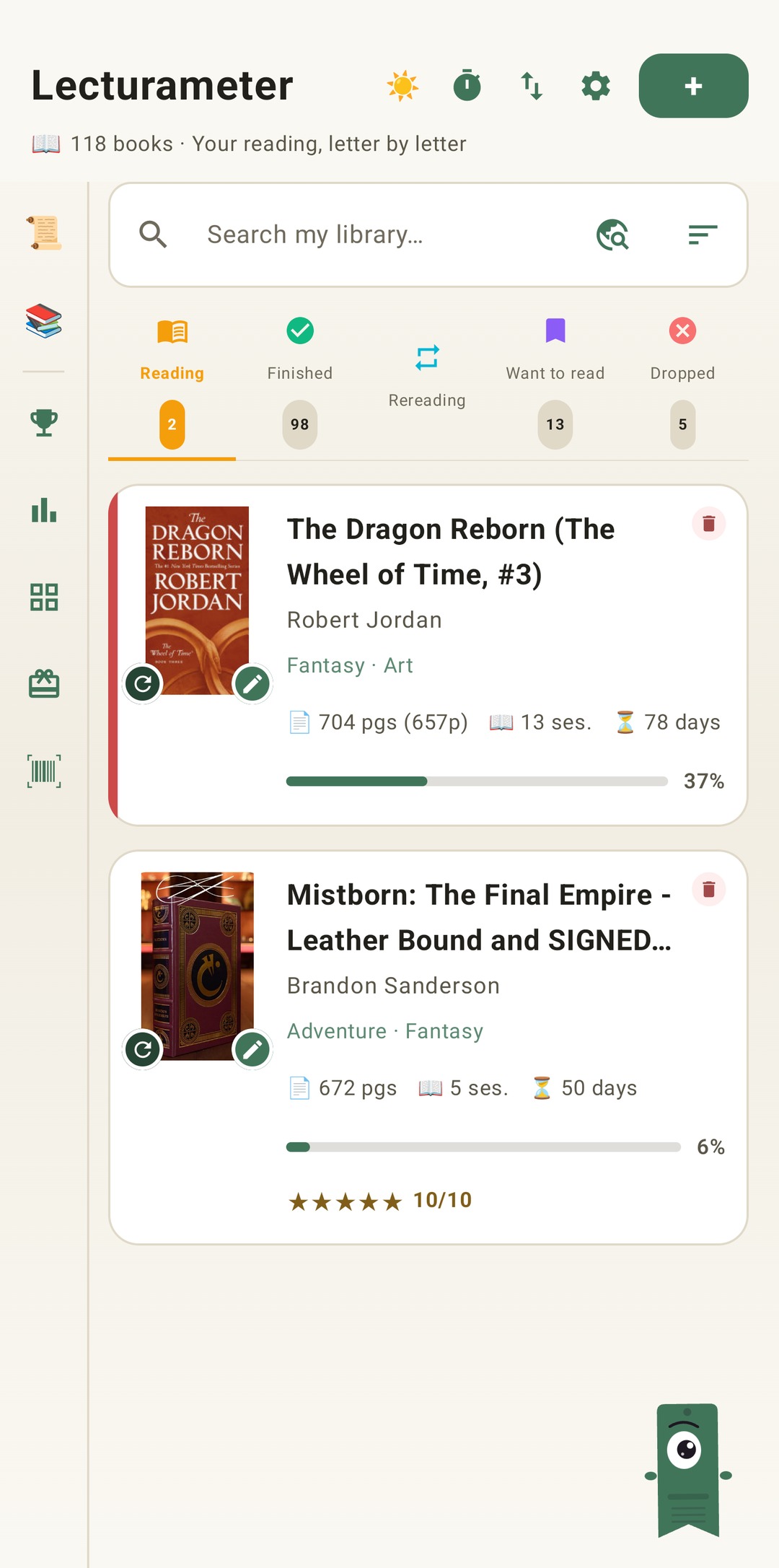
Lecturameter library with book shelves

📚 How Lecturameter works

Real screenshots of the app. Every screen is designed so that logging your reading takes as little effort as possible.

Library with shelves

A library with real shelves

Your books are sorted into Reading, Read, Rereading, Want to read and Dropped. Covers and genres download automatically, and if you come from Goodreads you can import your whole library as CSV.

  • Search by title, author or ISBN
  • Goodreads import and export (CSV)
  • Manga support and multiple editions

A timer that keeps counting with the screen off

Tap Start and read. When you stop, the session is saved automatically with its time, pages and pace. Functional pages subtract prologues, indexes and appendices so your pace is the real one.

  • Automatic sessions with pages/min pace
  • Configurable functional pages
  • Rating, comment and dates per read
Session history with all books read and total stats

A complete history of everything you've read

A per-book summary with sessions, time and pages for every read and reread. Your full reading record, always one tap away.

  • Summary per book and per session
  • Rereads counted separately
  • Reading challenges: pages, books, streaks…
Lecturameter widget on the home screen

Your current book, on the home screen

The widget shows the book you're reading with its progress and quick stats, without opening the app.

  • Progress and pace at a glance
  • Configurable from Settings
  • Automatic local and Google Drive backups
🏆
Reading challenges
Goals for pages, books, sessions, minutes or day streaks. Yearly or with your own dates.
📖
Functional pages
Ignore prologues, indexes and appendices to compute your real pace.
🌐
Multiple editions
Switch edition or language without losing your logged sessions.
g
Goodreads
Import your library as CSV and export it just as easily. Your data is never locked in.
☁️
Local & Drive backup
Automatic backups on your phone and on your Google Drive.
📴
100% offline
Everything works without a connection. Internet is only used for covers and metadata.

📊 Stats that keep you reading

Heatmap, Wrapped-style yearly recap, year-over-year comparisons and the detail of every session. This is a real example of what you'll see.

5
Total books
7
Sessions
120
Pages read
3h 6m
Total time
17.1
Avg pages/session
0.6
Avg p/min
Pages per day

🗣️ What early users say

"I use the timer for my bedtime reading, and it works great even with the screen off."
— Internal feedback
"The yearly recap is a nice touch. Seeing my stats keeps me motivated to read more."
— Google Group tester
"I like that my data stays on my phone. That's exactly what I want from an app like this."
— Private Reddit message
🔒
Your data stays only on your device
Lecturameter does not collect or send your data to any server. Your library, sessions, and statistics are stored exclusively on your phone. If you enable Google Drive backup, only you have access to those files. No ads, no subscriptions, no tracking. Read the full policy →

📩 Get notified when the app is out

You'll receive one single email when it's officially launched. No spam, just one alert.

🔐 2 + 3 = ?
📦 Demo backup

Want to try the app with sample data? Download this backup with 10 classic books across all categories (reading, finished, rereading, want to read, dropped) with reading sessions included.

Download demo backup
How to use it:
1. Download the JSON file to your phone
2. Open Lecturameter → Settings → Restore local backup
3. Select the downloaded file
4. Done! Explore the library, stats and widget